
7 Best Video Capture Device Tips for Students and Teams
Discover the 7 best video capture device tips for students and teams. Learn how to select, use, and optimize tools for professional video results.
Birju
Author
7 Best Video Capture Device Tips for Students and Teams
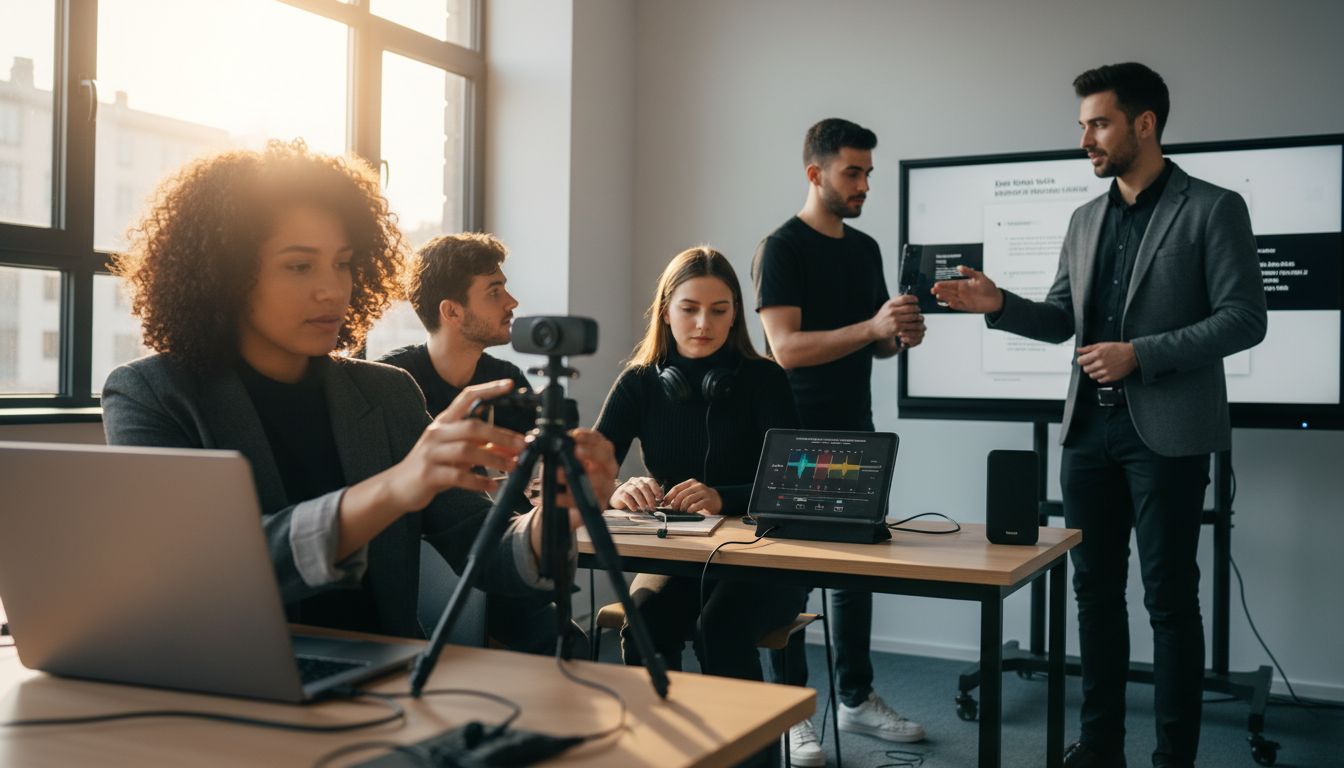
Nearly 80 percent of video creators struggle to capture clear audio and visuals that engage their audience. Whether you are recording a lecture, team presentation, or project demo, the right setup can make all the difference in how your message is received. With so many recording tools and options, knowing how to choose, optimize, and enhance your videos helps you create professional content that stands out in any classroom or workplace.
Table of Contents
Quick Summary
| Takeaway | Explanation |
|---|---|
| 1. Choose the right video capture device | Assess compatibility, quality, and purpose to find your ideal device. |
| 2. Invest in hardware for professional recordings | Hardware solutions offer superior performance and reliability for high-stakes projects. |
| 3. Optimize resolution and frame rate | Use 1920x1080 at 30 fps for clear video; adjust based on project needs. |
| 4. Leverage AI tools for efficiency | AI can automate video production, enhancing quality and saving time in editing. |
| 5. Use multilingual dubbing for wider reach | Dubbing increases engagement and accessibility, expanding your audience across languages. |
1. Choose the Right Video Capture Device for Your Needs
- 1. Choose The Right Video Capture Device For Your Needs
- 2. Compare Hardware Vs Software Video Capture Solutions
- 3. Optimize Resolution And Frame Rate For Clarity
- 4. Use Ai Tools For Voice-To-Video Recording Efficiency
- 5. Enhance Videos With Instant Branding And Templates
- 6. Leverage Multilingual Dubbing For Global Reach
- 7. Share And Collaborate Easily With Async Video Tools
Selecting the perfect video capture device is like choosing the right tool for a specific job. Not all devices are created equal, and what works brilliantly for one student or team might fall short for another.
Understanding device compatibility is crucial. According to University of Melbourne, you have multiple options ranging from webcams to mobile phones for video recording. Your choice depends on several key factors like recording purpose, budget, and technical requirements.
When evaluating video capture devices, consider these critical aspects:
- Resolution and Quality: Higher resolution means clearer videos
- Compatibility: Ensures your device works across different platforms
- Audio Capabilities: Clear sound is as important as video clarity
- Portability: Some projects require mobile recording setups
Professional tip: Don't just focus on expensive equipment. Sometimes a smartphone with good video capabilities can outperform a costly dedicated camera. The goal is finding a device that meets your specific recording needs while providing excellent performance.
Practically speaking, assess your primary use case. Are you creating lecture recordings? Producing team presentations? Documenting project walkthroughs? Each scenario might demand a slightly different approach to video capture.
Boom - Free Screen Recorder & Video Editor can help you explore additional options for capturing high quality videos across different scenarios.
2. Compare Hardware vs Software Video Capture Solutions
The battle between hardware and software video capture solutions is more nuanced than most people realize. Your choice can significantly impact video quality, performance, and overall recording experience.
Hardware video capture devices provide dedicated processing power specifically designed for recording. According to Epiphan Video, hardware encoders offer superior performance and reliability particularly in educational environments where consistent video quality matters most.
Software solutions, on the other hand, utilize your computer processor to manage video capture. While typically more affordable and flexible, they can consume significant system resources and potentially compromise recording quality during complex tasks.
Key differences between hardware and software solutions include:
- Performance: Hardware devices offer more consistent processing
- Resource Usage: Software capture consumes computer processing power
- Cost: Hardware tends to be more expensive upfront
- Flexibility: Software solutions are easier to update and modify
Research from ArXiv suggests a high correlation between hardware and software power measurements in video compression. This means both approaches can potentially deliver quality results when implemented correctly.
Practical recommendation: For professional or high stakes recordings like lectures or team presentations, invest in dedicated hardware. For casual or occasional recordings, software solutions might suffice.
Boom - Free Screen Recorder & Video Editor can help you explore various video capture approaches and find the right fit for your specific needs.
3. Optimize Resolution and Frame Rate for Clarity
Crisp video quality can make or break your recording experience. Understanding how resolution and frame rate work together is key to creating professional looking videos that capture every important detail.
According to University of Melbourne, the recommended standard for high quality video is 1920x1080 resolution at 25 or 30 frames per second. This sweet spot provides excellent visual clarity without overwhelming your device's processing capabilities.
Resolution determines the number of pixels displayed, while frame rate impacts how smoothly motion appears in your video. Think of resolution like the level of detail and frame rate like the smoothness of movement.
Consider these optimization strategies:
- Match resolution to your recording purpose
- Balance quality with file size
- Consider your audience viewing environment
- Test different settings before final recording
Research from ArXiv highlights that different recording scenarios may require unique approaches to resolution and frame rate. A lecture capture might need different settings compared to a dynamic product demonstration.
Practical tip: Start with standard HD settings (1920x1080 at 30 fps) and adjust based on your specific needs. Some scenarios might benefit from higher frame rates for smoother motion, while others require lower settings to manage file size.
Boom - Free Screen Recorder & Video Editor can help you experiment with different video capture configurations to find your perfect setup.
4. Use AI Tools for Voice-to-Video Recording Efficiency
AI technology is transforming video recording from a complex process to a streamlined experience. Modern voice-to-video tools can now automatically translate your spoken words into polished visual presentations with minimal effort.
Research from ArXiv demonstrates cutting edge AI approaches like V2S that can transform raw recordings into replayable scenarios, dramatically improving recording efficiency. These intelligent systems go beyond simple recording to enhance interaction and comprehension.
AI voice-to-video tools offer several significant advantages:
- Automatic scripting and structuring
- Intelligent visual generation
- Real time editing capabilities
- Reduced post production workload
Advanced deep learning techniques highlighted in research from ArXiv show how AI can synchronize multiple video streams with unprecedented accuracy. This means smoother, more professional recordings without complex manual interventions.
Practical tip: Look for AI tools that offer features like automatic speech recognition, visual template generation, and intelligent timing adjustments. The goal is finding a solution that feels like having a professional video editor working alongside you.
Understand how to optimize video communication methods can provide additional insights into leveraging AI for your video recording needs.
5. Enhance Videos with Instant Branding and Templates
Your video content is more than just information its a reflection of your professional identity. Instant branding and templates transform ordinary recordings into polished visual experiences that capture attention and reinforce your unique style.
According to YuJa, incorporating easy to use video editing features like text and image overlays can dramatically improve viewer engagement. Professional branding is no longer a luxury its a necessity.
Video templates provide several strategic advantages:
- Consistent visual identity
- Faster video production
- Professional appearance
- Easy customization options
Epiphan Video highlights the importance of flexible video production tools that support multiple inputs and professional audio. This means you can create branded content that looks seamless and intentional.
Practical tip: Choose templates that align with your organizational or personal brand colors, incorporate your logo, and maintain a consistent visual language across all your video content.
How to create branded videos that engage your audience can provide additional strategies for elevating your video presentation style.
6. Leverage Multilingual Dubbing for Global Reach
In our increasingly connected world, your video content can transcend language barriers with the power of multilingual dubbing. Breaking through linguistic limitations means expanding your audience and creating truly global communication.
Research from ArXiv reveals innovative approaches like the V2S method that not only translate video recordings but also enhance global accessibility. Multilingual dubbing transforms your content from a local presentation to an international conversation.
Strategic benefits of multilingual dubbing include:
- Broader audience engagement
- Enhanced content accessibility
- Increased global comprehension
- Professional cross cultural communication
A comparative study from ArXiv emphasizes the critical importance of considering diverse linguistic contexts. This means your video is no longer confined by language but becomes a universal tool for sharing knowledge.
Practical tip: Start with the most widely spoken languages in your target markets. Focus on clear pronunciation and culturally appropriate voice matching to maintain the original message's integrity.
How to optimize video presentations for maximum impact can help you understand additional strategies for creating globally resonant content.
7. Share and Collaborate Easily With Async Video Tools
Asynchronous video tools have revolutionized how teams and students communicate transforming collaboration from scheduled meetings to flexible knowledge sharing. No more endless calendar juggling or timezone headaches.
According to YuJa, modern video collaboration tools leverage technologies like adaptive bitrate streaming and network sensing to create seamless communication experiences. Async video tools enable teams to share information precisely when it suits each individual.
Key collaboration advantages include:
- Eliminate scheduling conflicts
- Enable global team participation
- Provide context rich communication
- Support flexible learning environments
Epiphan Video emphasizes the reliability of modern encoding technologies that support multiple inputs and professional audio quality ensuring your collaborative videos remain crisp and clear.
Practical tip: Choose async video tools that allow direct commenting, timestamped feedback, and easy sharing across different platforms. This transforms your videos from static recordings into interactive communication channels.
Benefits of async video communication offers deeper insights into maximizing your team's collaborative potential.
Below is a comprehensive table summarizing the main strategies and considerations for video capture and production discussed throughout the article.
| **Topic** | **Description** | **Key Considerations** |
|---|---|---|
| Choosing a Device | Selecting the right device involves understanding compatibility, budget, and technical needs. Options range from webcams to smartphones. | Consider resolution, compatibility, audio capabilities, and portability. |
| Hardware vs Software | Hardware solutions offer dedicated processing and reliability; software solutions are more flexible and affordable. | Performance, cost, and resource usage differ between hardware and software. |
| Resolution & Frame Rate | Recommended standard is 1920x1080 resolution at 25-30 fps for clarity without overloading devices. | Match resolution to purpose, balance quality and file size, test settings. |
| AI Tools for Efficiency | AI transforms video recording by automatically generating and editing videos based on voice input. | Look for tools offering scripting, visual generation, and editing capabilities. |
| Instant Branding & Templates | Use branding and templates to create professional, engaging videos quickly. | Align templates with brand identity, use overlays for consistent visuals. |
| Multilingual Dubbing | Expands audience by transcending language barriers with dubbed content. | Focus on widely spoken languages, ensure clear and culturally appropriate dubs. |
| Async Video Tools | Enhance collaboration with asynchronous tools allowing flexible communication. | Use features like direct commenting and timestamped feedback. |
Unlock Effortless Video Capture and Collaboration with Boom
Students and teams often struggle to find the right balance between high-quality video capture and smooth collaboration without wasting time on endless live meetings. This article highlights key challenges like choosing compatible devices, optimizing resolution and frame rate, and leveraging AI tools for voice-to-video efficiency. If you want to eliminate technical frustrations and enhance your videos with instant branding, multilingual dubbing, and async collaboration, there is a better way.
Boom is designed to solve these exact pain points with AI-powered tools that make video recording and sharing fast, clear, and hassle-free. With features like built-in voice-to-video recording, auto-scripting, and seamless multilingual dubbing, Boom helps you create polished videos without complicated setups or editing. Plus, its async-first design means your team can communicate when it suits them without scheduling headaches or timezone conflicts.
Ready to turn your video projects into smooth, professional productions that save hours? Experience how Boom revolutionizes video capture and collaboration today. Visit Boom to start creating. Explore more tips on how to optimize video communication methods and discover how to create branded videos that engage your audience to elevate every recording you make.
Frequently Asked Questions
What factors should I consider when choosing a video capture device for my recordings?
Choosing a video capture device requires evaluating several factors such as resolution and quality, audio capabilities, compatibility with your setup, and portability. Consider your specific recording purpose—whether it’s lectures, team presentations, or project walkthroughs—to narrow down your options effectively.
How can I optimize the resolution and frame rate for my video captures?
To optimize video quality, aim for a resolution of at least 1920x1080 at 25 or 30 frames per second. Test different settings based on your recording purpose; for instance, use higher frame rates for action-heavy content and adjust as necessary to balance quality with file size.
Should I use hardware or software solutions for capturing video?
For professional or high-stakes recordings, it’s advisable to use hardware video capture solutions as they ensure superior performance and reliability. If you require more flexibility and lower costs, software solutions may work for casual recordings but be mindful of their impact on system resources.
How can AI tools improve my video capture process?
AI tools can significantly streamline your video recording process by automating tasks like scripting and real-time editing. Explore voice-to-video technologies that enhance production efficiency and make your content more engaging with less manual effort involved.
What are the benefits of using video templates for branding?
Video templates improve consistency in your visual identity while speeding up the production process. Choose templates that align with your organizational branding, ensuring every video reflects a professional appearance and maintains a cohesive style.
How can I enhance global reach through multilingual dubbing in my videos?
Implementing multilingual dubbing allows your video content to transcend language barriers, effectively reaching a wider audience. Focus on translating your videos into widely spoken languages first to maximize engagement, ensuring your message is clear and culturally appropriate.
Recommended
About the Author
Birju
Senior Software Engineer.