
Multilingual Video Creation Tutorial: Step-by-Step Guide
Follow this multilingual video creation tutorial for students, freelancers, and teams to create, dub, and verify professional videos in multiple languages.
Aniket
Author
Multilingual Video Creation Tutorial: Step-by-Step Guide
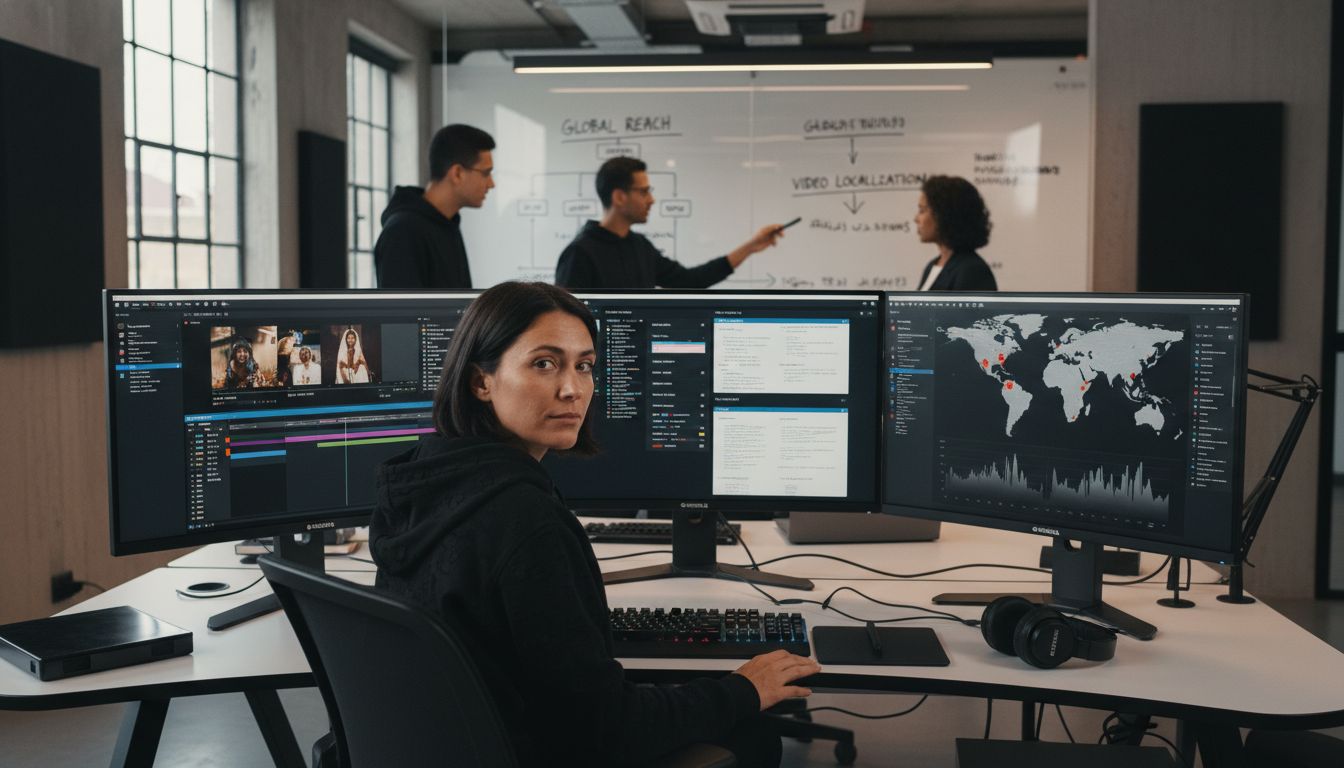
Over 60 percent of internet users prefer websites or content in their native language, yet many creators overlook the power of multilingual videos. Reaching global audiences means more than just direct translation—it demands smart scripting, clear narration, and visuals that resonate across cultures. Whether you are upgrading brand presence or teaching new skills, this step-by-step guide walks you through creating polished videos that connect smoothly with viewers of every language.
Table of Contents
Quick Summary
| Key Point | Explanation |
|---|---|
| 1. Define core message clearly | Establishing a precise core message helps identify what information needs to be communicated effectively to your audience. |
| 2. Use clear, simple language | Simple sentence structures enhance translation and comprehension, making content accessible across languages. |
| 3. Review AI-generated voiceovers | Always critically evaluate AI voiceovers for natural flow and accurate pronunciation to maintain message quality. |
| 4. Customize visuals for brand consistency | Utilizing AI templates ensures visual branding remains coherent and professional across all language versions. |
| 5. Verify all language versions thoroughly | Careful review guarantees that all translations uphold the original message's intent and cultural nuances before distribution. |
Step 1: Set Up Your Project and Script
- Step 1: Set Up Your Project And Script
- Step 2: Record Voice Or Generate Ai Script
- Step 3: Apply Multilingual Dubbing And Ai Voiceover
- Step 4: Customize Visuals And Branding Instantly
- Step 5: Review, Verify, And Share Your Video
Creating a multilingual video starts with solid project preparation and strategic scripting. In this step, you will learn how to establish the foundational elements that will transform your raw concept into a professional multilingual presentation confseml.
Begin by defining your core message and target audience. What key information do you want to communicate? Who needs to understand your content? Next, draft a clear script that translates well across different languages. This means using simple sentence structures, avoiding complex idioms, and focusing on universal communication concepts. Research suggests keeping your language direct and concise to facilitate easier translation and comprehension.
Pro Tip: When scripting for multilingual videos, aim for clarity over complexity. Think about how your words will sound when translated or dubbed. Shorter sentences with straightforward meanings work best across linguistic boundaries. By preparing a script that is adaptable and clean, you set yourself up for smoother multilingual video production.
With your initial script drafted, you are now ready to move into the recording and localization phases of your multilingual video creation journey.
Step 2: Record Voice or Generate AI Script
Now that you have a well-crafted script, its time to bring your multilingual video to life through voice recording or AI script generation. This step is crucial in transforming your written content into an engaging multimedia experience Boom Screen Recorder.
You have two primary paths for creating your video narration. First, you can record your own voice using a quality microphone and quiet environment. Ensure you speak clearly, maintain a consistent pace, and pronounce words precisely. Alternatively, leverage Boom's AI script generation feature to create an instant voiceover. The AI can help you refine your script, adjust tone, and even generate voiceovers in multiple languages with remarkable accuracy.
Pro Tip: Regardless of whether you choose manual recording or AI generation, practice your script beforehand. Read it aloud multiple times to catch any awkward phrasing or pronunciation challenges. When working with AI voiceover, review and adjust the generated script to ensure it sounds natural and aligns with your intended message.
With your voice or AI script ready, you are prepared to move forward to the next exciting phase of multilingual video creation.
Step 3: Apply Multilingual Dubbing and AI Voiceover
With your script prepared, its time to transform your video into a multilingual masterpiece through advanced dubbing and AI voiceover technologies. CodeVideo demonstrates how modern tools can seamlessly convert content across language barriers while maintaining synchronization and native pronunciation.
Begin by selecting your target languages within Boom's AI voiceover platform. The system offers a range of professional voice models that can accurately reproduce your script in multiple languages. Pay close attention to the nuanced tone and linguistic subtleties of each generated voiceover. You can preview and adjust the AI generated voices to ensure they match the emotional context and professional tone of your original script.
Pro Tip: When working with multilingual dubbing, listen critically to the AI generated voiceovers. Even though the technology is advanced, always review the final output for natural flow and accurate pronunciation. Small adjustments can make a significant difference in how your message resonates across different language audiences.
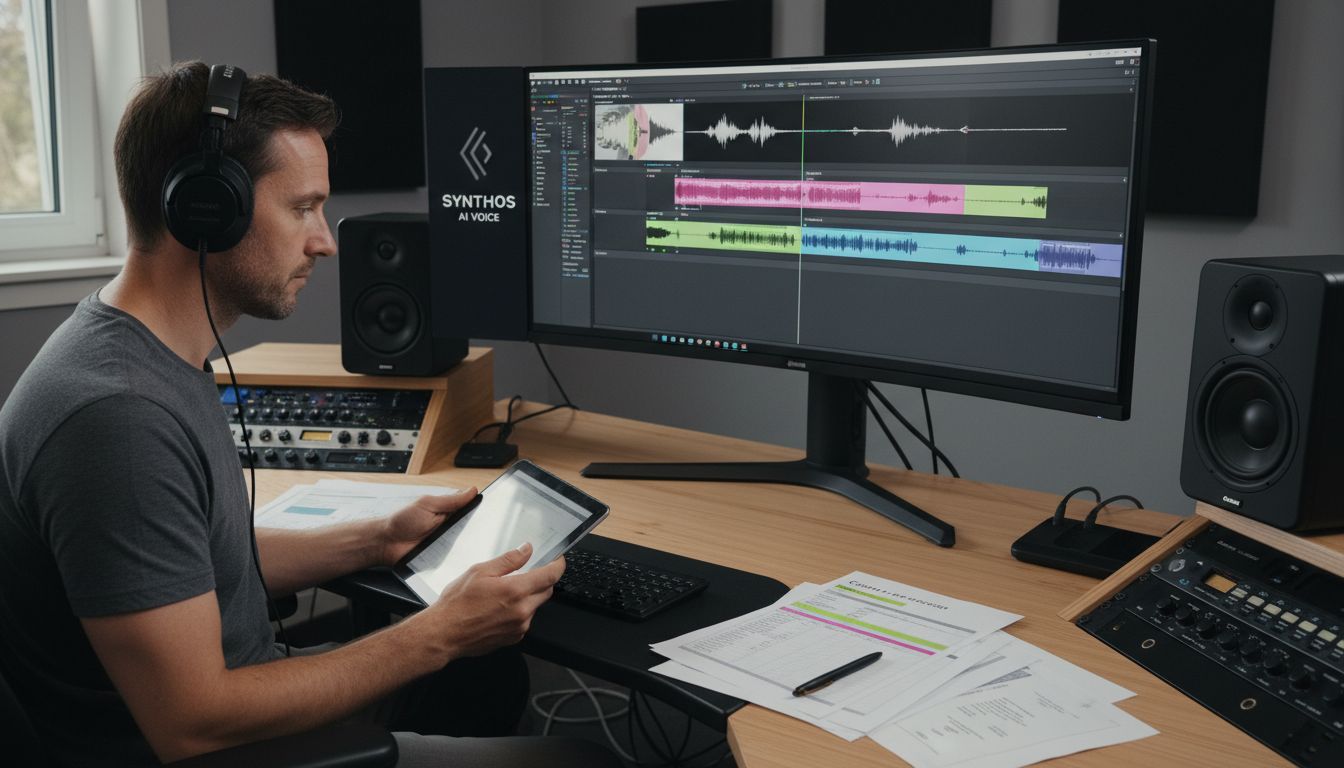
With your multilingual voiceover complete, you are now ready to move forward to the next stage of visual synchronization and final video production.
Step 4: Customize Visuals and Branding Instantly
With your multilingual voiceover complete, its time to elevate your video with professional visual branding that speaks directly to your audience. On Brand Video Creation Guide emphasizes the critical importance of maintaining a consistent visual identity across all your multimedia content.
Leverage Boom's AI powered visual templates to transform your video instantly. Select from a range of professionally designed templates that align with your brand aesthetic. Upload your logo, choose your color palette, and watch as the AI automatically adjusts typography, graphics, and visual elements to create a polished final product. These intelligent templates ensure that your multilingual video looks seamless and professional across different language versions without requiring manual design intervention.
Pro Tip: When customizing visuals, think beyond just logo placement. Consider how color psychology and visual design can communicate your message across cultural boundaries. A well designed template can help your content feel native and authentic in multiple languages.
With your visuals now perfectly branded and synchronized, you are ready for the final refinement and export of your multilingual video masterpiece.
Step 5: Review, Verify, and Share Your Video
With your multilingual video nearly complete, its time for the critical final stage of review, verification, and distribution. Skool highlights the importance of thorough verification to ensure your video meets professional standards across all language versions.
Begin by carefully reviewing each language version of your video. Check the synchronization between audio and visuals, verify pronunciation accuracy, and confirm that the AI generated captions align perfectly with the spoken content. Pay special attention to cultural nuances and ensure that the translations maintain the original message's tone and intent. Boom provides intuitive preview tools that allow you to switch between different language versions seamlessly, making this verification process straightforward and efficient.
Pro Tip: When sharing your multilingual video, consider your target audience and distribution channels. Different platforms may require specific formatting or have unique sharing protocols. Take advantage of Boom's direct sharing features that allow you to distribute your video across multiple platforms with just a few clicks while maintaining high quality and professional presentation.
Congratulations. You have successfully created a multilingual video that can communicate your message effectively across different language barriers.

Elevate Your Multilingual Video Creation with Boom
The detailed step-by-step guide you just explored highlights the complexities of producing clear and engaging videos that cross language barriers. From crafting concise scripts to applying precise AI voiceovers and on-brand visuals the process demands tools that save time and ensure professional polish without added stress. If you found yourself wanting an all-in-one solution that merges script generation, multilingual dubbing, and instant branding look no further than Boom.
Boom turns your voice and ideas into impressive multilingual videos effortlessly. Whether you struggle with managing syncing across languages or need a smooth async workflow for remote collaboration Boom’s AI-powered platform removes the frustration of meetings and manual editing. The intuitive voice-to-video recording applies smart timing and visuals while AI-generated scripts and pro-grade voice models make localization fast and natural.
Ready to save hours and communicate globally with confidence? Start creating your next multilingual video with Boom’s free forever plan. Discover how you can earn back your time and impress every audience by visiting the Boom landing page and unlocking these professional features. Stay on-brand, speak any language, and share your message flawlessly all in one place.
Try Boom today for free and turn your multilingual video goals into reality without complicated setups or endless meetings.
Frequently Asked Questions
What are the first steps in the multilingual video creation process?
Begin by defining your core message and target audience for the video. Write a clear script that avoids complex idioms, focusing on simple, universal communication concepts to facilitate translation.
How can I ensure the voice recording matches my script effectively?
Practice reading your script aloud multiple times to catch awkward phrasing and pronunciation issues. This will help you deliver a smooth and engaging voice recording or refine the AI-generated voiceover to align with your intended message.
What should I consider when selecting languages for dubbing my video?
Choose target languages that are most relevant to your audience and content. Review the linguistic nuances and tone of each language to ensure that the generated voiceovers convey the emotional context of your original message.
How can I customize visuals to ensure they fit my brand across multiple languages?
Use professionally designed visual templates that support your brand aesthetic. Focus on maintaining consistent color palettes and typography to create a polished final product that appears native across different language versions.
What steps should I follow during the final review of my multilingual video?
Carefully review each language version of your video, checking for synchronization between audio and visuals, as well as the accuracy of pronunciation and captions. Use intuitive preview tools to facilitate this verification process efficiently.
How can I effectively share my finished multilingual video across different platforms?
Consider the specific formatting and sharing protocols of your target distribution channels. Utilize direct sharing features to distribute your video efficiently while ensuring high quality and professional presentation.
Recommended
About the Author
Aniket
Software Engineer.