
The Essential Guide to Video for Freelancers
Discover the role of video for freelancers: benefits, use cases, key tools like Boom, and common mistakes to avoid in this complete, authoritative guide.
Kunal
Author
The Essential Guide to Video for Freelancers
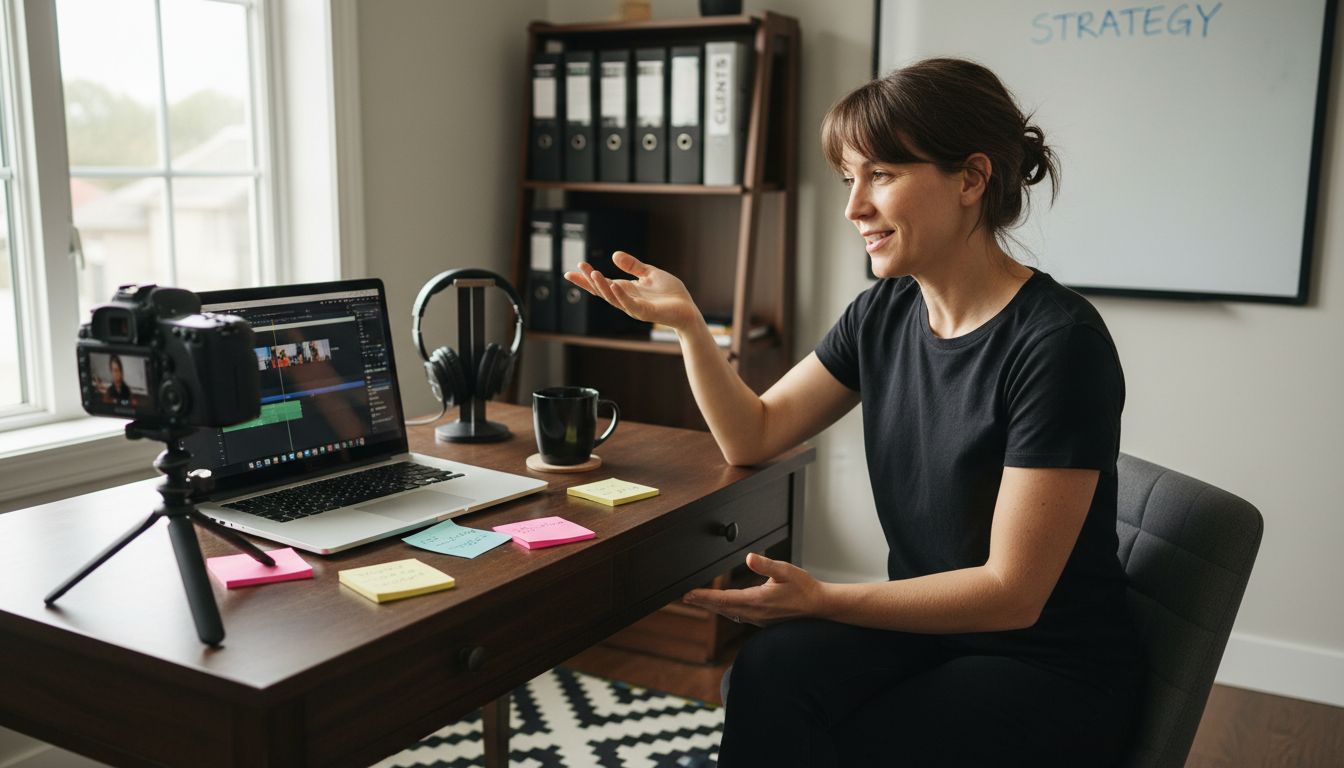
More than 80 percent of american freelancers use video to connect with clients and share their expertise. Video is not just a trend. For many independent professionals, it opens the door to more genuine client relationships and professional opportunities, no matter where they live. Understanding how to make the most of video can help american freelancers present their skills confidently, showcase their work, and set themselves apart in a crowded market.
Table of Contents
Key Takeaways
| Point | Details |
|---|---|
| Transformative Communication Tool | Video allows freelancers to showcase their expertise and build trust beyond geographical limitations. |
| Enhanced Professional Engagement | Using video communication leads to improved client interactions and more effective presentations of work. |
| Diverse Video Formats | Freelancers can leverage various video types, including skill demonstrations and personal branding, to highlight their capabilities. |
| Avoid Common Mistakes | Successful video communication requires attention to technical setup, preparation, and digital etiquette to maximize impact. |
Understanding the Role of Video for Freelancers
- Understanding The Role Of Video For Freelancers
- Core Benefits Of Using Video In Freelancing
- Popular Video Types And Use Cases
- Essential Tools: Boom And Competitors Compared
- Avoiding Common Video Communication Mistakes
Video has become a transformative communication tool that enables freelancers to showcase their expertise, build trust, and deliver professional outcomes without geographic limitations. By leveraging video communication, independent professionals can create compelling presentations, client pitches, project updates, and tutorials that transcend traditional text-based interactions.
Research demonstrates that video communication can significantly enhance creative collaboration among remote professionals. The visual and auditory elements of video provide nuanced communication channels that text alone cannot replicate. Freelancers using sophisticated video tools can now produce high-quality content that feels personal, engaging, and professionally polished.
The strategic advantages of video for freelancers extend across multiple professional domains. Effective video communication allows independent workers to:
- Demonstrate technical skills through screen recordings
- Present portfolio work with narrative context
- Provide client training and detailed project walkthroughs
- Build stronger personal connections without in-person meetings
- Create asynchronous content that works across time zones
Advanced video technologies like intelligent communication systems are further empowering freelancers to deliver more interactive and dynamic presentations. These innovations enable professionals to craft communication experiences that are not just informative, but truly memorable and impactful.
Core Benefits of Using Video in Freelancing
Freelancers today are discovering that video communication is far more than a trendy tool - it's a strategic asset that can dramatically transform professional interactions and career opportunities. By integrating video into their workflow, independent professionals can differentiate themselves, communicate more effectively, and create compelling narratives around their expertise.
Emerging research in business education highlights how video can be a powerful mechanism for skill development and professional growth. Freelancers who strategically leverage video can showcase their capabilities with unprecedented clarity, offering potential clients a dynamic preview of their professional competencies that static resumes or text-based portfolios simply cannot match.
The core benefits of video for freelancers extend across multiple professional dimensions:
- Enhanced Personal Branding: Create memorable visual narratives that highlight your unique skills
- Improved Client Communication: Provide clear, nuanced explanations that transcend text-based limitations
- Efficient Project Demonstrations: Show technical work, design processes, or complex workflows in real time
- Global Reach: Connect with international clients without geographic constraints
Moreover, emerging technologies like Social Virtual Reality are expanding the horizons of remote professional communication. Freelancers who embrace these innovative video technologies position themselves at the cutting edge of digital collaboration, offering clients immersive and interactive experiences that set them apart in an increasingly competitive marketplace.
Popular Video Types and Use Cases
Freelancers have an expanding arsenal of video formats to communicate, showcase skills, and engage potential clients. Understanding these diverse video types can transform how independent professionals present their work and expertise across different professional contexts.
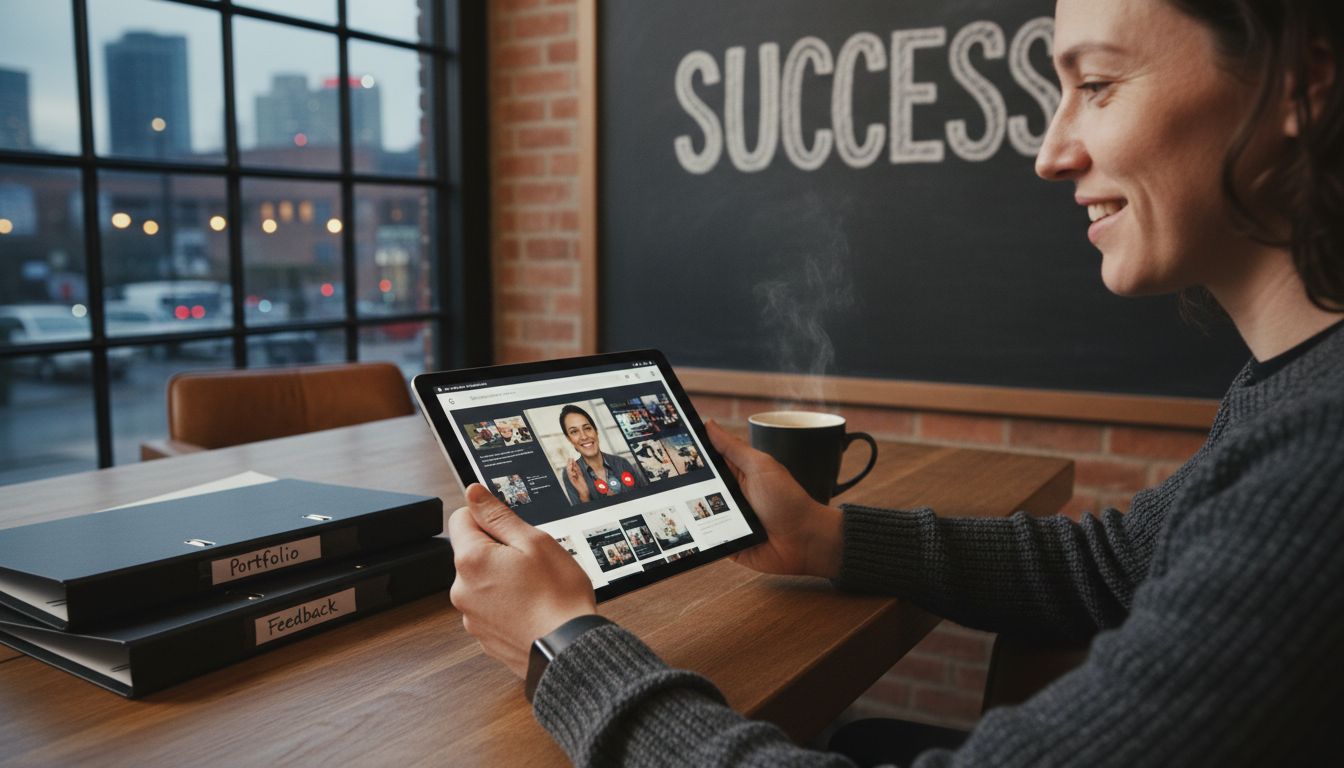
Video essays have emerged as a sophisticated communication medium that allows freelancers to demonstrate critical thinking and creativity beyond traditional portfolio presentations. These dynamic visual narratives enable professionals to break down complex concepts, showcase problem-solving skills, and provide nuanced insights into their professional approach.
The most effective video types for freelancers include:
- Skill Demonstration Videos: Detailed walkthroughs of technical processes
- Portfolio Showcase Videos: Visual presentations of completed projects
- Client Testimonial Videos: Recorded endorsements and success stories
- Tutorial and Educational Content: Instructional videos highlighting expertise
- Personal Branding Videos: Narrative-driven introductions to professional identity
Comprehensive video essay formats offer freelancers unique opportunities to blend analytical thinking with visual storytelling. By combining professional insights with engaging visual techniques, independent professionals can create compelling content that goes beyond traditional marketing approaches, offering potential clients a deeper understanding of their capabilities and professional philosophy.
Essential Tools: Boom and Competitors Compared
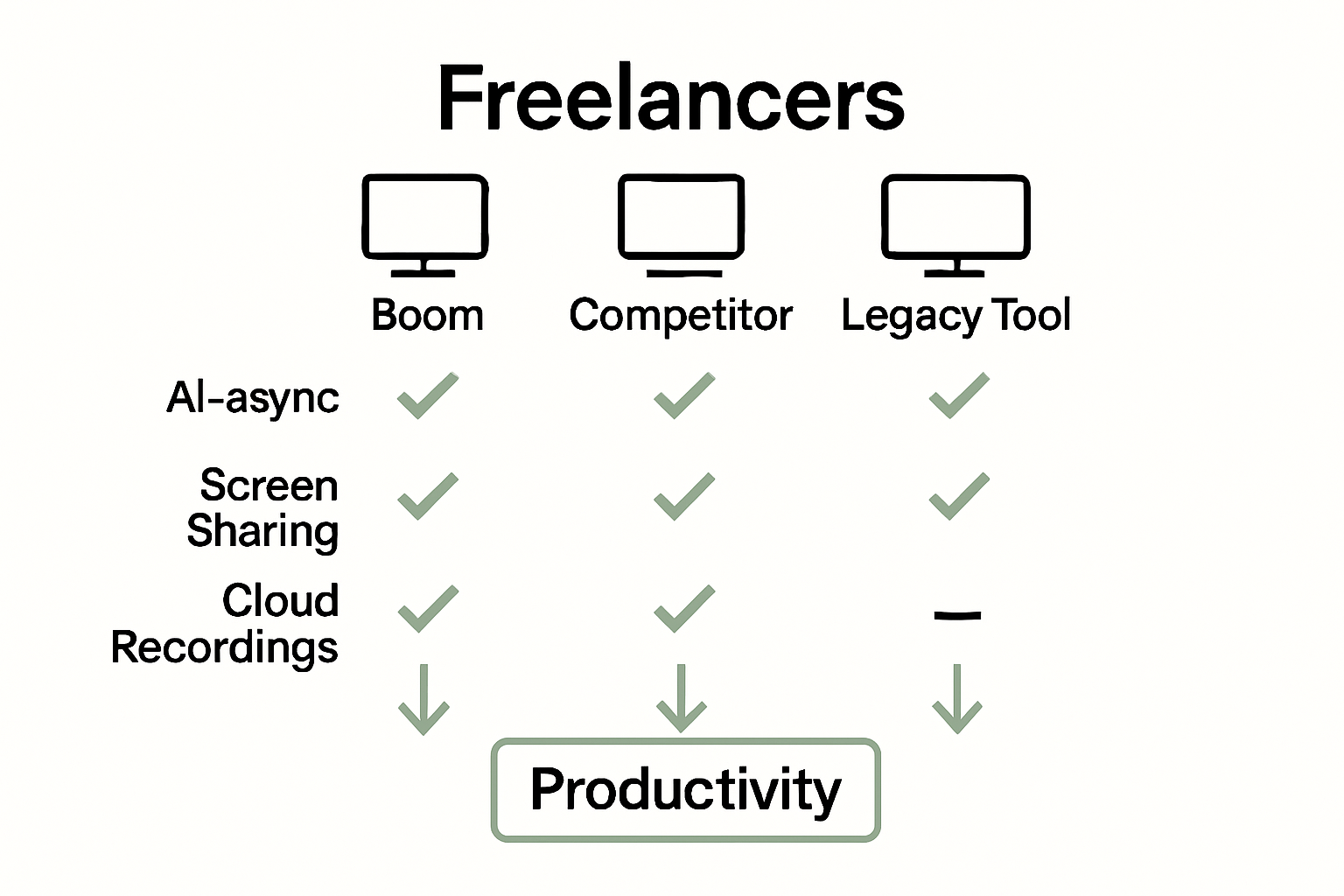
Freelancers navigating the digital communication landscape face an increasingly complex array of video tools designed to streamline remote collaboration and professional interactions. Selecting the right platform can significantly impact productivity, client engagement, and overall workflow efficiency.
Virtual team communication technologies have evolved rapidly, creating a competitive ecosystem of tools that cater to different professional needs. Boom stands out by offering AI-powered features that distinguish it from traditional screen recording and video communication platforms, focusing on asynchronous collaboration and intelligent content creation.
Key considerations when comparing video communication tools include:
- Async Capabilities: Ability to communicate without real-time scheduling
- AI Integration: Intelligent scripting and content generation features
- Branding Options: Customization and professional presentation tools
- Multilingual Support: Translation and voiceover capabilities
- Collaboration Features: Commenting, editing, and team interaction modes
Virtual collaboration methods continue to reshape how professionals interact, with tools like Boom representing a new generation of platforms that prioritize flexibility, efficiency, and intelligent content creation. Freelancers should evaluate these tools not just on technical capabilities, but on their potential to transform communication and streamline professional workflows.
Avoiding Common Video Communication Mistakes
Video communication has become an essential skill for freelancers, but mastering this medium requires more than simply turning on a camera and speaking. Successful virtual interactions demand intentional strategy, technical awareness, and nuanced communication techniques that go beyond traditional face-to-face conversations.
Social interactions during video conferencing reveal complex communication challenges that can undermine professional effectiveness. Freelancers must navigate subtle digital communication dynamics, including body language interpretation, technical presentation, and maintaining engagement in a virtual environment.
Common video communication mistakes to avoid include:
- Poor Technical Setup: Inadequate lighting, background clutter, or low-quality audio
- Lack of Preparation: Unclear messaging, meandering conversations, or absent structure
- Inappropriate Body Language: Inconsistent eye contact, distracting movements
- Overcomplicating Presentations: Verbose explanations that lose audience attention
- Ignoring Digital Etiquette: Unprofessional backgrounds, interruptions, or technical disruptions
Advanced virtual meeting technologies continue to evolve, offering freelancers sophisticated tools to overcome traditional communication barriers. By understanding these potential pitfalls and implementing strategic approaches, professionals can transform video communication from a potential liability into a powerful professional asset that differentiates them in an increasingly competitive marketplace.
Unlock Your Freelance Potential with AI-Powered Async Video
Freelancers face clear challenges highlighted in The Essential Guide to Video for Freelancers. Key pain points include the hassle of scheduling meetings, limits of text-only communication, and the need to present skills clearly without losing time. Video is essential to overcoming these hurdles but managing live calls can drain your time and energy. That is where Boom transforms your workflow with AI-driven async videos designed for speed, clarity, and effortless global reach.
With Boom you get:
- Voice-to-video technology that turns your ideas into professional videos without the stress of live calls
- Auto-scripting that crafts your message instantly when you do not know what to say
- AI voiceover and multilingual dubbing to break language barriers and connect worldwide
- Collaboration tools to get feedback and edit without meetings
Make your video communication a strategic asset and avoid the common pitfalls like poor setup or overcomplicated presentations mentioned in the guide. Experience async communication built for freelancers and independent professionals aiming to save time while delivering impact.
Explore how Boom can elevate your freelance video strategies and embrace a new era of communication free from scheduling headaches.
Start earning back your time today. Visit Boom Homepage and take control of your video communication with free, AI-powered tools built for freelancers.
Frequently Asked Questions
How can video enhance my freelancing career?
Video can enhance your freelancing career by enabling you to showcase your skills, improve client communication, and build personal connections, which allows you to stand out in a competitive market.
What types of videos are effective for freelancers?
Effective video types for freelancers include skill demonstration videos, portfolio showcase videos, client testimonial videos, educational tutorials, and personal branding videos that tell your professional story.
What are common mistakes freelancers make in video communication?
Common mistakes include poor technical setup (like bad lighting and audio), lack of preparation, inappropriate body language, overcomplicated presentations, and ignoring digital etiquette during video calls.
Which features should I consider when choosing a video communication tool?
When choosing a video communication tool, consider async capabilities, AI integration, branding options, multilingual support, and collaboration features that enhance team interaction and streamline workflows.
Recommended
About the Author
Kunal
Software Engineer.