
Top AI Video Creation Platforms 2025 – Expert Comparison
Discover the top ai video creation platforms 2025 with our comparison of 6 leading tools to enhance your video production.
Kunal
Author
Top AI Video Creation Platforms 2025 – Expert Comparison

Creating videos once meant juggling complicated tools or paying for features you might never use. Now there are fresh ways to make content in less time and reach more people, even if you have no technical background. Some platforms promise studio quality with a few clicks. Others focus on lightning fast recording or automatic translation that takes your message further. Want to know which approach matches your projects and which hidden features can save you effort each week? The answers might surprise you.
Table of Contents
boomshare.ai
At a Glance
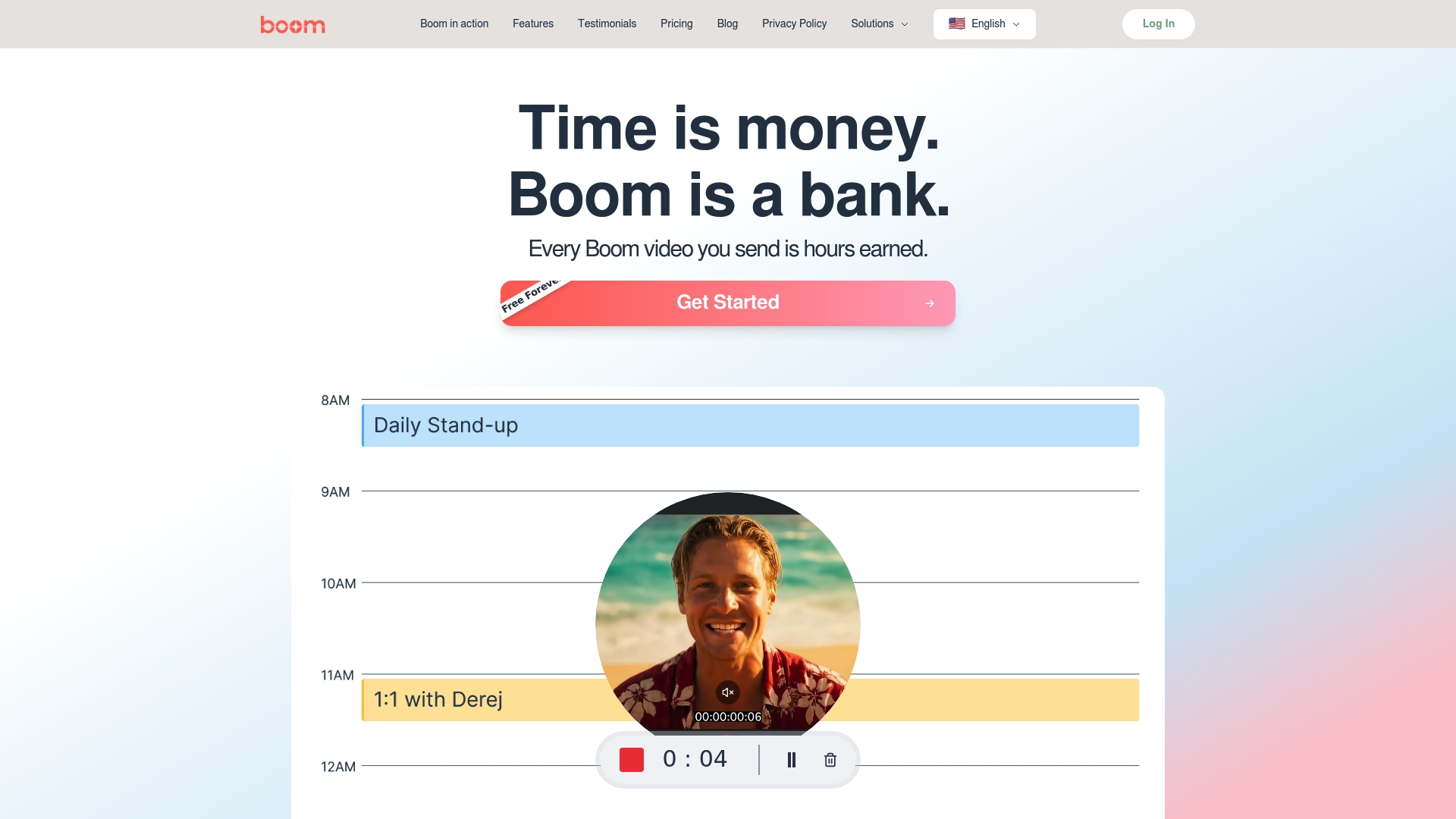
Boomshare.ai is a free, AI-first video creation suite that brings dubbing, recording, editing, and collaboration into one accessible package. It democratizes pro-level video workflows by offering unlimited recording, AI transcription, instant translations, and high-quality exports at no cost. If you need fast, multilingual video content and team-friendly collaboration without a steep learning curve or subscription lock-in, Boomshare.ai delivers.
Core Features
Boomshare.ai combines AI-powered video dubbing with screen and webcam recording, instant editing and annotations, and AI transcription and summarization to accelerate the entire content pipeline. The platform also adds multilingual auto captions and translations, background removal and effects, cloud storage and sync, multi-track editing, color grading, and real-time collaboration. Together, these features let you record, refine, localize, and share videos from any device while keeping assets synced across your team.
Pros
Who It's For
- Completely free with no hidden fees or premium tiers, which removes budget friction for creators and teams of every size.
- Powerful AI features for transcription, translation, and summarization speed up post-production and make content discoverable and reusable.
- Unlimited video recording and editing removes arbitrary restrictions, enabling continuous iteration and rapid content testing.
- Compatible across devices including desktop and mobile, ensuring creators can capture and edit wherever they work.
- Supports high-quality exports (up to 4K), so your output stays polished even when repurposed for social or paid channels.
Boomshare.ai is built for content creators, marketers, educators, and teams that need a no-friction way to produce and localize video at scale. It fits solo creators who repurpose short-form clips, marketing teams producing social promotions, product and training teams recording tutorials, and distributed teams that collaborate asynchronously. If your priority is speed, reach, and team alignment rather than frame-by-frame professional grading, Boomshare.ai is a natural fit.
Unique Value Proposition
Boomshare.ai’s core promise is simple: professional, multilingual video creation without cost or complexity. Unlike workflows that stitch together separate tools for recording, dubbing, and translation—or lock essential features behind paywalls—Boomshare.ai centralizes AI dubbing, transcription, translation, and cloud collaboration into one free platform. That consolidation reduces handoffs, shortens turnaround from idea to publish, and removes subscription overhead for teams. Where specialist NLEs focus on endless granular controls, Boomshare.ai intentionally optimizes for speed, accessibility, and global reach: a design choice that favors output and collaboration over minute, expert-level tweaking. The result is a superior value proposition for anyone prioritizing velocity, localization, and cost-effectiveness.
Real World Use Case
A marketing team uses Boomshare.ai to record a single product promo, auto-generate a concise script, add AI voiceovers in three languages, and export multiple 4K-ready edits for Instagram Reels and YouTube Shorts—then hands the same project to regional managers who add localized captions and share directly to channels, all without scheduling a meeting.
Pricing
Free forever plan includes all features with no cost; optional premium plans are not mentioned, indicating all features are included at no charge.
Website: https://boomshare.ai
trupeer
At a Glance
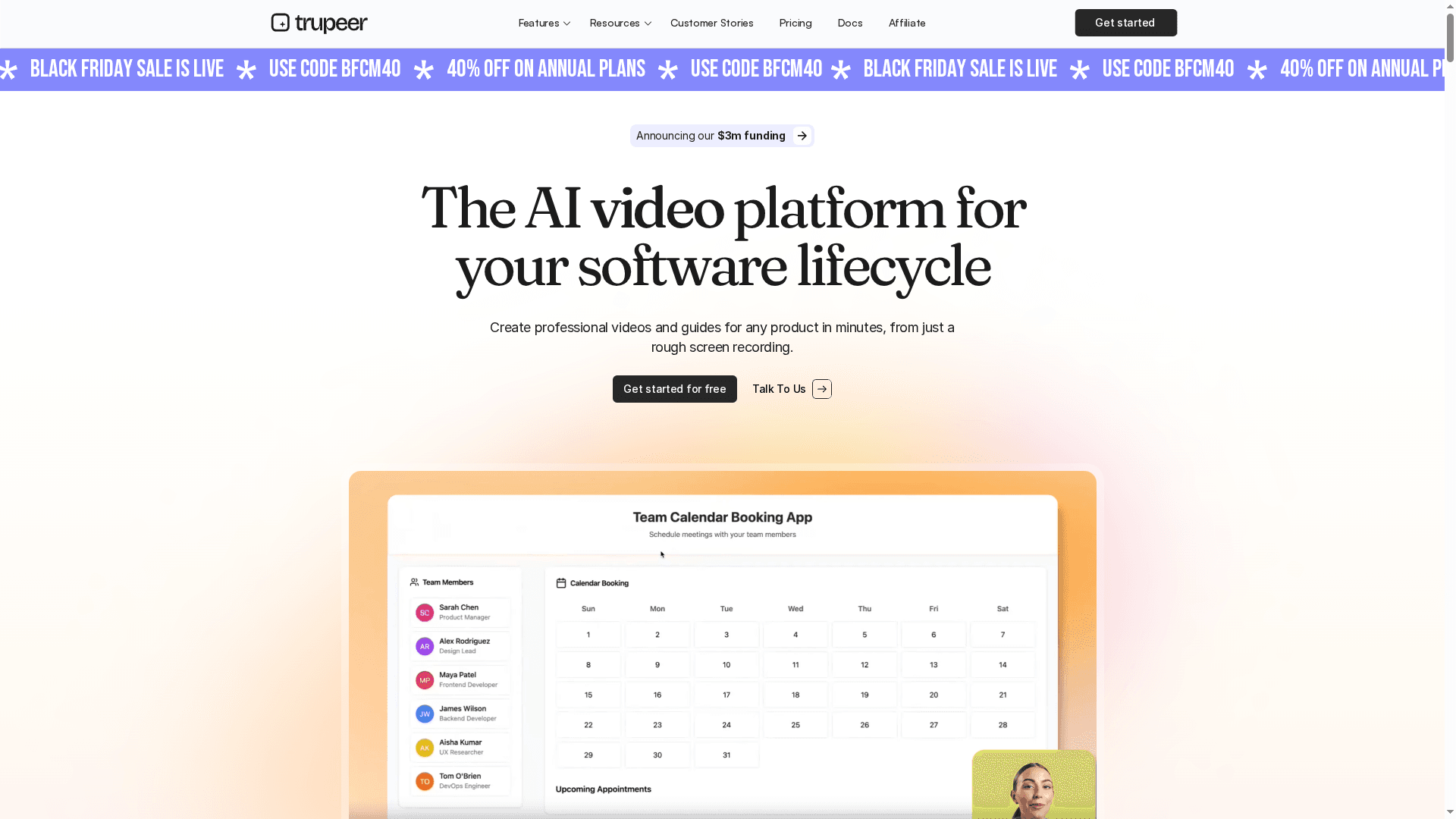
trupeer is an AI-driven platform designed to turn rough recordings and existing content into polished product videos and documentation quickly. It automates scripting, voiceovers, avatars, and basic editing, which can dramatically cut production time for teams. Enterprise-grade security and brand customization make it a viable option for organizations that need consistent, multilingual output at scale. That said, some advanced capabilities sit behind higher-tier plans, so smaller teams should weigh cost versus need.
Core Features
trupeer centralizes the video and documentation workflow: it generates AI-powered videos and guides from screen recordings or uploads, offers script and voiceover generation, and supplies in-editor video editing tools like annotations, zoom, and captions. The platform includes AI avatars with varied personas and language support, plus a native Chrome extension for easy capture. Together, these features aim to streamline the software lifecycle content process from raw capture to shareable asset.
Pros
Cons
Who It's For
- Automates repetitive tasks, saving time and effort: trupeer converts rough recordings into structured guides and videos, reducing manual editing and scripting work.
- Supports brand customization and enterprise security: The platform offers customization options and security controls suited for teams that require consistent, protected content.
- Multilingual translation and shareable assets: Built-in language support and translation help you reach global audiences without rebuilding assets from scratch.
- Convenient native Chrome extension: Quick screen capture from the browser lowers friction and speeds up content capture for product walkthroughs.
- Professional studio-quality voiceovers and avatars: The inclusion of polished voice models and avatar narration raises production value without hiring external talent.
- Pricing may be a barrier for small teams or individuals: Paid plans start at $40 per month, which can feel steep for occasional creators or tiny teams.
- Advanced features locked to enterprise plans: Custom brand templates and unlimited AI guides are gated behind higher tiers, limiting access for mid-level subscriptions.
- Learning curve to unlock full automation: Users may need time to learn how to best leverage automation, templates, and avatar settings to achieve optimal results.
trupeer fits businesses and teams that need to automate and scale video and documentation production—especially product teams, support centers, and training groups for technical products. If you produce frequent walkthroughs, onboarding modules, or knowledge-base videos and need consistent, secure, multilingual output, trupeer is worth evaluating.
Unique Value Proposition
trupeer’s strength lies in packaging capture-to-content automation with enterprise-ready features: from a browser-based recorder to AI scripting, studio voiceovers, and avatar narration. It’s not just a recorder; it’s a production pipeline that prioritizes speed, brand consistency, and global reach.
Real World Use Case
Companies such as Zuora, Lambdatest, and Fluid Networks use trupeer to accelerate educational and training content creation, improving consistency and cutting turnaround time for global audiences—especially where localized narration and secure sharing are required.
Pricing
Offers a free plan with limited features; paid plans start from $40 per month for individuals. Professional and enterprise tiers are available with scaled features and usage limits, and discounts may appear during promotional periods like Black Friday.
Website: https://trupeer.ai
Loom
At a Glance
Loom is a straightforward video communication platform built for fast screen and camera recording, quick sharing, and light editing. Its AI-powered enhancements—automatic transcriptions, summaries, chapters, and auto-titles—turn raw clips into searchable, shareable assets without heavy manual work. While many powerful features sit behind paid tiers, Loom’s ease of use and deep integrations make it a practical choice for teams that need to replace short meetings with concise video updates. Bottom line: great for saving time and improving clarity, especially when async communication matters.
Core Features
Loom focuses on rapid capture and frictionless distribution: lightning-fast screen recording available via Chrome extension, desktop, or mobile app; in-app editing tools for trimming, stitching, backgrounds, and overlays; and sharing that plugs into Slack, Gmail, Confluence, and other workspace tools. Its AI features automate transcriptions in 50+ languages, generate summaries, create chapters, and add auto-titles. Collaboration is built into the playback experience through comments, emojis, tasks, and CTAs embedded in videos.
Pros
Cons
Who It's For
- Loom has a user-friendly interface and quick recording capabilities that let you capture ideas in seconds without training.
- Seamless integrations with popular workspace tools make it simple to embed videos into existing workflows and reduce context switching.
- Advanced editing options, including trimming and overlays, enable more engaging and professional-looking videos without external software.
- AI features such as automatic transcriptions, summaries, and chaptering simplify documentation and make long videos easier to navigate.
- Multiple plans for individuals, teams, and enterprises provide flexibility so organizations can scale features as their needs grow.
- Some advanced features require paid plans, which means heavier users or teams must upgrade to access the full AI and quality feature set.
- Video quality is limited in the free plan (720p), so creators who need higher-resolution output will need a paid subscription.
- There is a learning curve for some of the more advanced AI features, which can slow adoption for nontechnical users.
Loom is aimed at individuals and teams who need an easy-to-use video recording and sharing solution integrated into their productivity stack. It suits marketing teams producing demos, customer support creating walkthroughs, engineering teams sharing visual context, and designers requesting feedback. If you want to replace short meetings with concise video updates and searchable assets, Loom fits that workflow.
Unique Value Proposition
Loom’s unique value is the combination of fast capture, in-player collaboration, and AI-driven organization. It doesn’t just record; it makes recordings actionable and discoverable through transcription, chapters, and summaries, while keeping distribution tightly integrated with commonly used tools.
Real World Use Case
A marketing team records short product demos and personalized outreach clips in Loom, then shares links in email and Slack. The AI summaries and transcripts make repurposing content into social posts and help articles faster, increasing engagement while reducing meeting time.
Pricing
Loom offers a free plan with basic features; paid plans start at $15 per user per month and scale up to enterprise solutions with custom pricing.
Website: https://loom.com
Descript
At a Glance
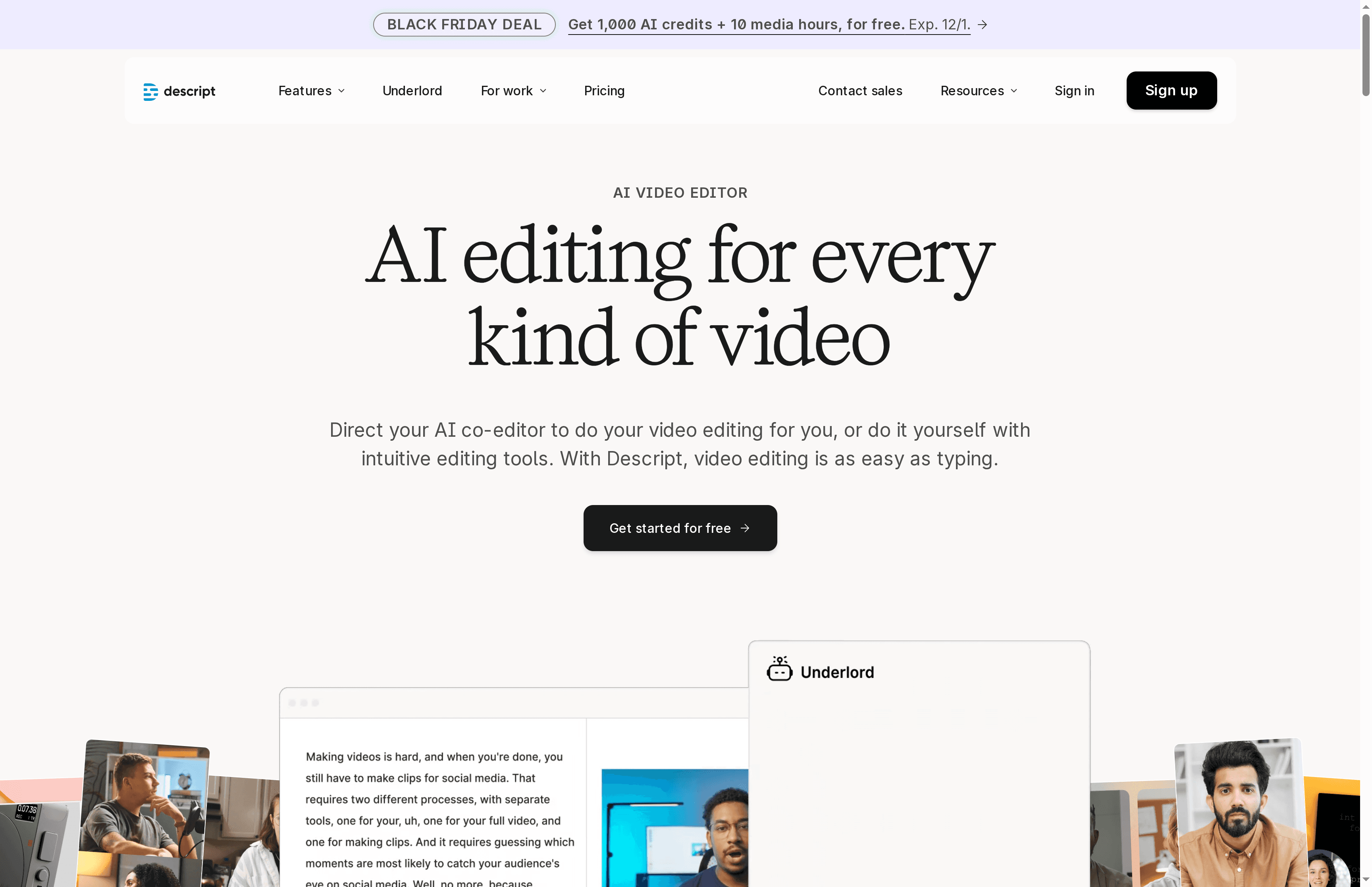
Descript is an AI-driven audio and video editor that makes complex production tasks feel simple. Its text-based editing workflow and robust transcription turn trimming and revising into a word processor task, which speeds up content cycles for creators and teams. While some advanced capabilities sit behind higher tiers and large projects can test storage and cloud limits, Descript delivers a high-productivity toolset for social, podcast, and training video workflows.
Core Features
Descript combines AI video editing, text-based editing via transcripts, and automated design tools that apply layouts and transitions for polished output. It includes AI-assisted script writing and feedback, green screen and background removal for both video and images, plus high-quality transcription and multi-language support. These features let you record, iterate, and publish faster by leaning on AI for routine tasks like cutting, captioning, and scene layout.
Pros
Cons
Who It's For
- Easy learning curve and approachable UI: The interface reduces editing friction so creators without deep technical skills can produce professional results quickly.
- Broad AI toolkit for automation and creativity: From script assistance to automated design and transcription, Descript shrinks turnaround time and boosts consistent quality.
- Collaboration-friendly workflows: Team features support shared projects and review cycles, which makes handoffs and approvals smoother.
- Flexible pricing options: A free plan plus tiered paid plans provide options for individual creators up to business teams.
- Accurate transcription with multi-language support: Strong transcripts and language options speed captioning and widen distribution.
- Advanced features require higher-tier plans: Some of the most powerful AI tools and export options are gated behind more expensive subscriptions.
- Storage and export constraints for large media: Handling very large files can be limited by available cloud storage and export settings.
- Cloud processing dependence affects speed on big projects: Relying on cloud rendering and AI can cause slower turnaround times when projects grow in size or complexity.
Descript is ideal for individual creators, small teams, and enterprises that need a faster, more collaborative production loop for video and audio content. If you produce social clips, podcasts, tutorials, or internal training videos and value speed over manual frame-by-frame editing, Descript fits well. It also serves marketing teams and educators who must publish frequent, high-quality content with limited editing resources.
Unique Value Proposition
Descript’s core advantage is translating media editing into text operations: edit the transcript, and the timeline follows. That single shift—paired with AI-driven design, scripting, and background removal—compresses hours of manual work into minutes, letting teams iterate faster and keep brand consistency.
Real World Use Case
A marketing team uses Descript to produce promotional videos and social clips within a single afternoon: record a voiceover, refine the script with AI, cut footage by editing the transcript, apply automated layouts, and export captioned clips ready for distribution.
Pricing
Free plan available; Hobbyist plan at $16/month; Creator plan at $24/month; Business plan at $50/month, with enterprise options.
Website: https://descript.com
Synthesia
At a Glance
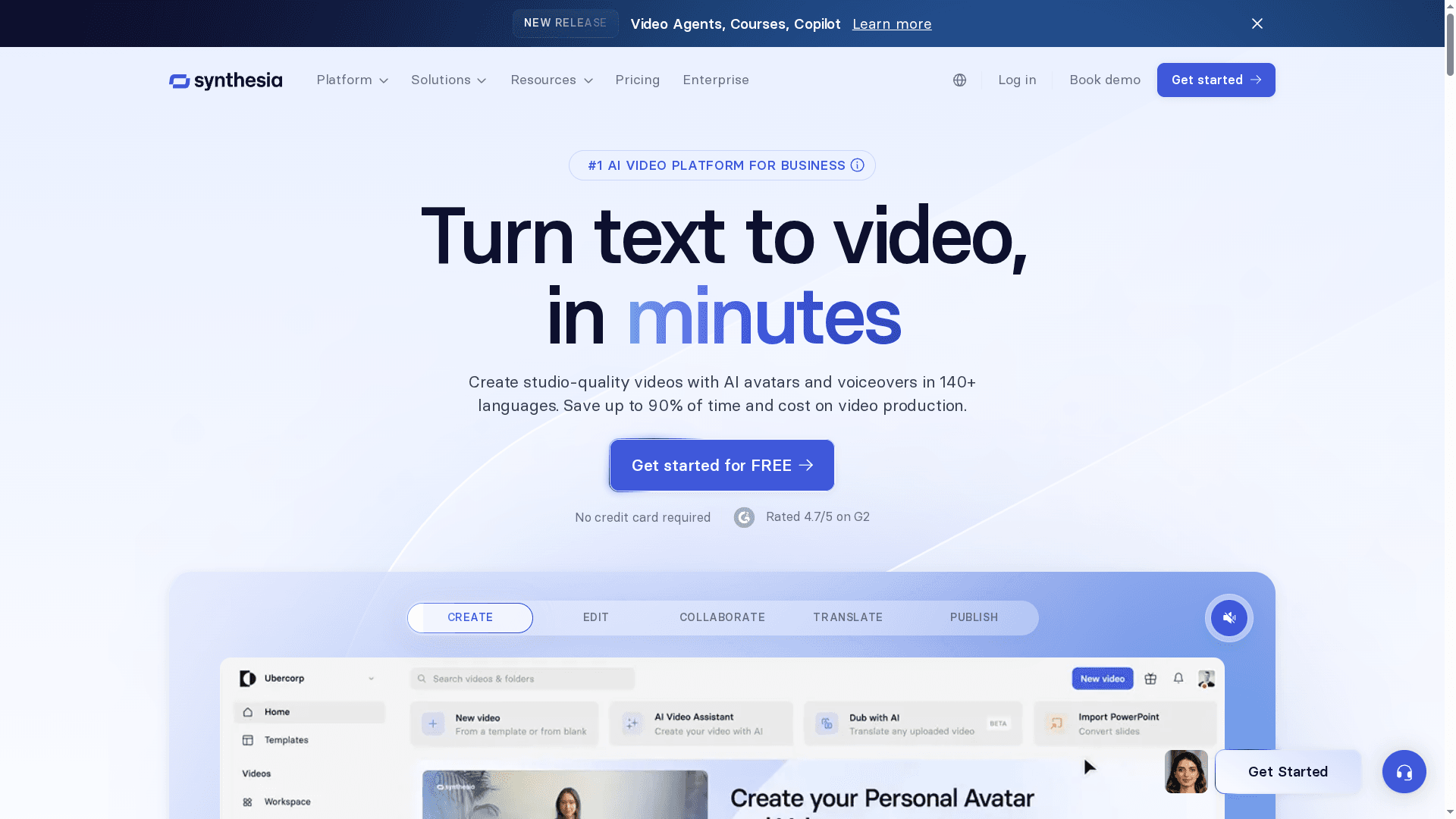
Synthesia is an enterprise-focused AI video platform that turns text into studio-quality video content quickly and at scale. It emphasizes realistic AI avatars, natural-sounding voiceovers, and one-click localization across 140+ languages, which makes it attractive for global teams. While large organizations gain the most value from its collaboration, security, and LMS integrations, smaller teams may find the pricing and advanced feature tiers constraining.
Core Features
Synthesia converts scripts into polished videos using customizable AI avatars and voiceovers in more than 140 languages and accents. The platform supports rapid text-to-video creation, one-click translation/localization, real-time team collaboration, and a comprehensive media library with royalty-free images, clips, and music. It also offers avatar customization to match brand identity and exports in SCORM format for direct LMS integration, helping organizations manage, localize, and publish training and marketing content efficiently.
Pros
Cons
Who It's For
- Studio-quality output without a production team: Synthesia produces professional-looking videos using AI avatars and voiceovers, reducing the need for costly studio resources.
- Extensive language and accent support: The platform supports 140+ languages, which simplifies global localization and helps you reach diverse audiences without separate recording sessions.
- Fast text-to-video workflow: Turning written scripts into finished videos in minutes accelerates content delivery and shortens production cycles.
- Built for teamwork and enterprise needs: Real-time collaboration, strong security, and LMS export (SCORM) make it a solid choice for corporate training and compliance content.
- Brand consistency through avatar customization: You can create and tailor AI avatars to reflect company identity, keeping messaging consistent across markets.
- Pricing may be high for small teams or individuals: The starting plan at $18/month may scale quickly as you add credits, avatars, and enterprise features, making it less accessible for solo creators.
- Advanced capabilities often require custom plans: Some higher-end features and enterprise-grade functionality appear to be gated behind higher-tier or bespoke plans, which increases procurement complexity.
- Limited free tier functionality: The available free or basic tier only covers fundamental features, so testing the full platform often requires a paid commitment.
Synthesia best serves businesses and organizations that need scalable, consistent video content—especially training, onboarding, internal communications, and localized marketing. Product teams, L&D departments, and global communications teams that prioritize security, collaboration, and LMS compatibility will extract the most value.
Unique Value Proposition
Synthesia’s unique selling point is its blend of realistic AI avatars, broad multilingual support, and enterprise-friendly features like collaboration and SCORM export. For organizations focused on scale and consistency, it replaces traditional production overhead with a repeatable, localized video pipeline.
Real World Use Case
A multinational company uses Synthesia to produce localized training videos for employees worldwide, cutting production time from weeks to minutes while preserving consistent tone and brand visuals across languages.
Pricing
Plans start from $18/month with higher-tier options available that include additional credits, custom avatars, and enterprise features.
Website: https://synthesia.io
Veed.io
At a Glance
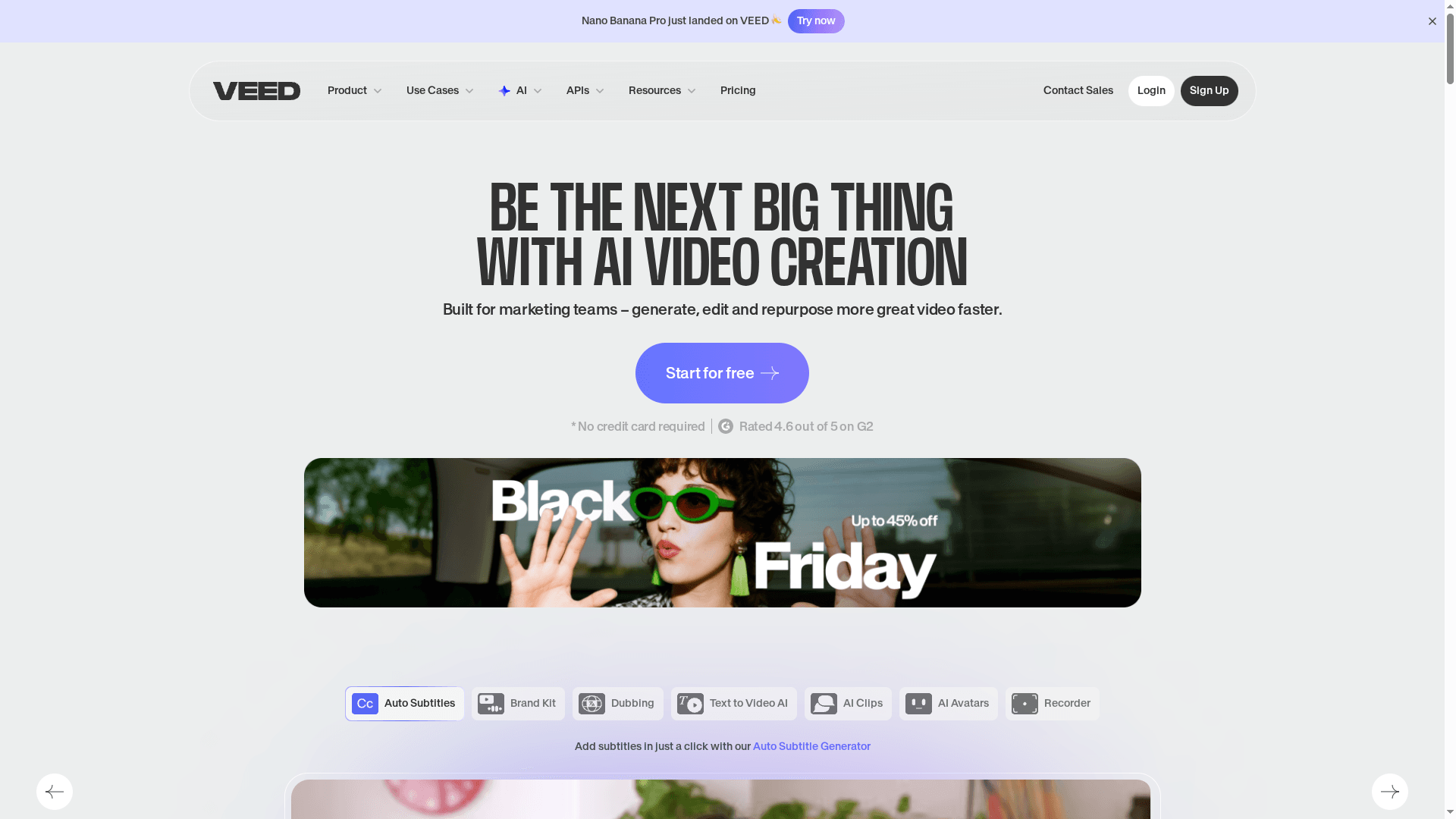
Veed.io is a browser-based, all-in-one video editor that combines pro-level tools with AI-driven automation to speed production for individuals and teams. It excels at subtitle generation, fast edits, and collaborative workflows, making it easy to produce branded content without heavy desktop software. Expect a shallow learning curve for basic tasks and a need to upgrade for certain advanced features and higher export limits.
Core Features
Veed.io bundles a broad feature set into a single web interface: auto subtitles and subtitle generation, AI avatars and editing tools, screen and webcam recording, and a large stock library of video and audio assets. It includes team collaboration and brand kit management, hosting and embeddable players, text-to-video AI, Magic Cut for rapid clip extraction, AI translate and background removal, filler word removal, text-to-speech, AI voice cloning, and eye contact correction. These capabilities are designed to handle the full content lifecycle—from scripting and recording to automated edits, localization, and polished delivery.
Pros
Cons
Who It's For
- Comprehensive all-in-one platform: Veed.io brings editing, assets, collaboration, and hosting into one browser-based workflow so you rarely need additional tools.
- Time-saving AI features: Automated subtitles, Magic Cut, filler removal, and translate functions speed routine tasks and reduce manual editing time.
- Strong collaboration and brand controls: Team management and brand kit features help maintain consistent templates, fonts, and colors across multiple creators.
- Large asset library and templates: A sizable stock library and ready-made templates accelerate social and marketing production.
- Flexible pricing tiers: Multiple plans let individuals and teams choose features and export limits that match their budgets and needs.
- Free plan limitations: The free tier applies a watermark and caps export quality and limits, which can make it unsuitable for client-facing projects.
- Advanced features behind paywall: Several powerful AI tools and higher export limits require mid- or high-tier plans, so full capability requires upgrade.
- Pricing structure can confuse new users: The variety of plans and feature gates may make it hard for newcomers to know which tier fits their needs and when to upgrade.
Veed.io targets creators, marketers, educators, and internal communications teams who need fast, AI-powered video editing that supports collaboration and consistent branding. If you produce social clips, training modules, or recurring company updates and want an all-in-one browser workflow, Veed.io fits well.
Unique Value Proposition
Veed.io’s strength is convenience: it centralizes AI editing, automated localization, team brand control, and hosting in one web app so teams can move from idea to publish without juggling desktop editors, separate asset libraries, or complex workflows.
Real World Use Case
A marketing team uses Veed.io to turn campaign scripts into short social videos: they record, apply Magic Cut, auto-generate subtitles and translations, drop in brand templates, and publish or embed the final clips—cutting turnaround from days to hours.
Pricing
Veed.io offers a free plan with a watermark and export limitations; paid plans start at $12 per month and rise to $29 per month for professional features, with enterprise options available at custom pricing.
Website
Website: https://veed.io
Video Creation Tools Comparison
This table provides a comprehensive comparison of video creation tools, highlighting their features, pros, cons, pricing, and usability to help you make an informed decision.
| Platform | Core Features | Pros | Cons | Pricing |
|---|---|---|---|---|
| Boomshare.ai | AI dubbing, screen recording, editing, multilingual captions, real-time collaboration | Free, AI transcription, unlimited recording, high-quality exports | None mentioned | Free |
| trupeer | Script and voiceover automation, AI avatars, Chrome extension, enterprise customization | Automates tasks, supports security and brand customization | $40/month starting, advanced features in higher tiers | Free with limited features; from $40/month |
| Loom | Quick screen recording, AI transcription, summaries, integrations with workspace tools | Easy to use, integrates with tools, AI features for documentation | Free plan 720p, advanced features require paid plans | Free; paid plans from $15/month |
| Descript | Text-based editing, AI transcription and scripting, collaboration features | Easy interface, strong AI toolkit, collaboration-friendly, flexible pricing | Advanced features require paid plans, cloud processing limits speed | Free; plans up to $50/month |
| Synthesia | AI avatars and voiceovers, multilingual support, collaboration, LMS integration | Studio-quality output, fast workflow, built for teamwork | From $18/month, advanced features in custom plans | From $18/month |
| Veed.io | Auto subtitles, AI editing tools, Magic Cut, brand management, large asset library | Comprehensive platform, time-saving AI features, strong collaboration tools | Free plan has limitations, advanced features behind higher tiers | Free with watermark; from $12/month |
Unlock Your Video Potential with Boom: The Future of Async AI Video Creation
The article highlights a major challenge creators and teams face today: producing professional, multilingual, on-brand videos fast without getting bogged down by complex tools or endless meetings. If your goal is to move beyond traditional video platforms that are limited by manual editing, scheduling hassles, or paywalls, Boom is the solution built for your needs. With features like AI voiceover, auto-scripting, and instant branding, Boom saves you hours by turning simple voice messages into polished videos ready to share across languages and markets.
No more missed deadlines or endless editing cycles. Boom’s async-first design lets you collaborate without meetings while ensuring your message sounds and looks exactly how you want it. Made for freelancers, remote teams, marketers, and creators, Boom perfectly matches the demands outlined in the article for powerful yet accessible video workflows — all at zero cost forever.
Ready to ditch meeting fatigue and unlock fast, global-ready video creation? Check out Boom’s landing page to explore the AI-powered features that make your time count. Discover why Boom is the modern alternative to older platforms like Loom or Zoom with Boom’s full feature list and start earning your time back today at https://boomshare.ai.
Experience the AI-powered future of async videos now. Visit Boom at https://boomshare.ai and create your branded video in minutes without scheduling a single meeting.
Frequently Asked Questions
What are the key features to look for in AI video creation platforms in 2025?
When evaluating AI video creation platforms, prioritize features like automated transcription, multilingual dubbing, and user-friendly editing tools. Also, consider real-time collaboration capabilities and AI-driven enhancements to streamline your workflow. Start by making a checklist of critical features that meet your specific video production needs.
How can I determine which AI video creation platform is best for my team’s workflow?
To find the best platform for your team's workflow, assess your primary use cases—such as marketing, training, or social media content. Test several platforms by creating sample projects to see which offers the easiest integration into your existing systems and enhances productivity over time.
Are AI video creation platforms cost-effective for small teams or individual users?
Many AI video creation platforms have free tiers or low-cost subscriptions that can be beneficial for small teams or individual users. Evaluate your content production volume and budget to determine the most cost-effective option that still meets your quality and functionality requirements.
What steps should I follow to create a video using an AI video creation platform?
To create a video using an AI video creation platform, start by scripting your content or using existing materials. Next, utilize the platform’s recording and editing features to produce your video, incorporating AI tools for transcription and subtitling where necessary. Finally, export your video in the desired format for sharing or publishing.
How do AI video creation platforms enhance collaboration among team members?
AI video creation platforms often include features like real-time editing, commenting, and version control that facilitate collaboration among team members. Use these tools to streamline communication, share feedback, and make adjustments collectively, potentially reducing project turnaround times by at least 20%.
What challenges should I be aware of when using AI video creation tools?
While AI video creation tools can greatly enhance efficiency, challenges may include hidden costs for advanced features and a learning curve for less technical users. Prepare for this by scheduling training sessions and setting a budget that accommodates potential upgrades as your team's needs evolve.
Recommended
About the Author
Kunal
Software Engineer.