
Best 8 ai-powered video platforms – Expert Comparison 2025
Discover 8 ai-powered video platforms to elevate your content creation. Compare features and find the best fit for your needs.
Birju
Author
Best 8 ai-powered video platforms – Expert Comparison 2025
Recording and sharing video messages has become a smarter way to connect, explain, and teach. New tools make it possible to turn a quick screen capture or a simple voice memo into polished content ready for your team or audience. Some offer high quality editing and professional effects without a steep learning curve. Others add clever AI shortcuts that help with everything from translation to captions in just a few clicks. You might be surprised how much you can create without studio equipment or a big budget. The right solution can save hours and make your message stand out no matter where you work or who you want to reach.
Table of Contents
boomshare.ai
At a Glance
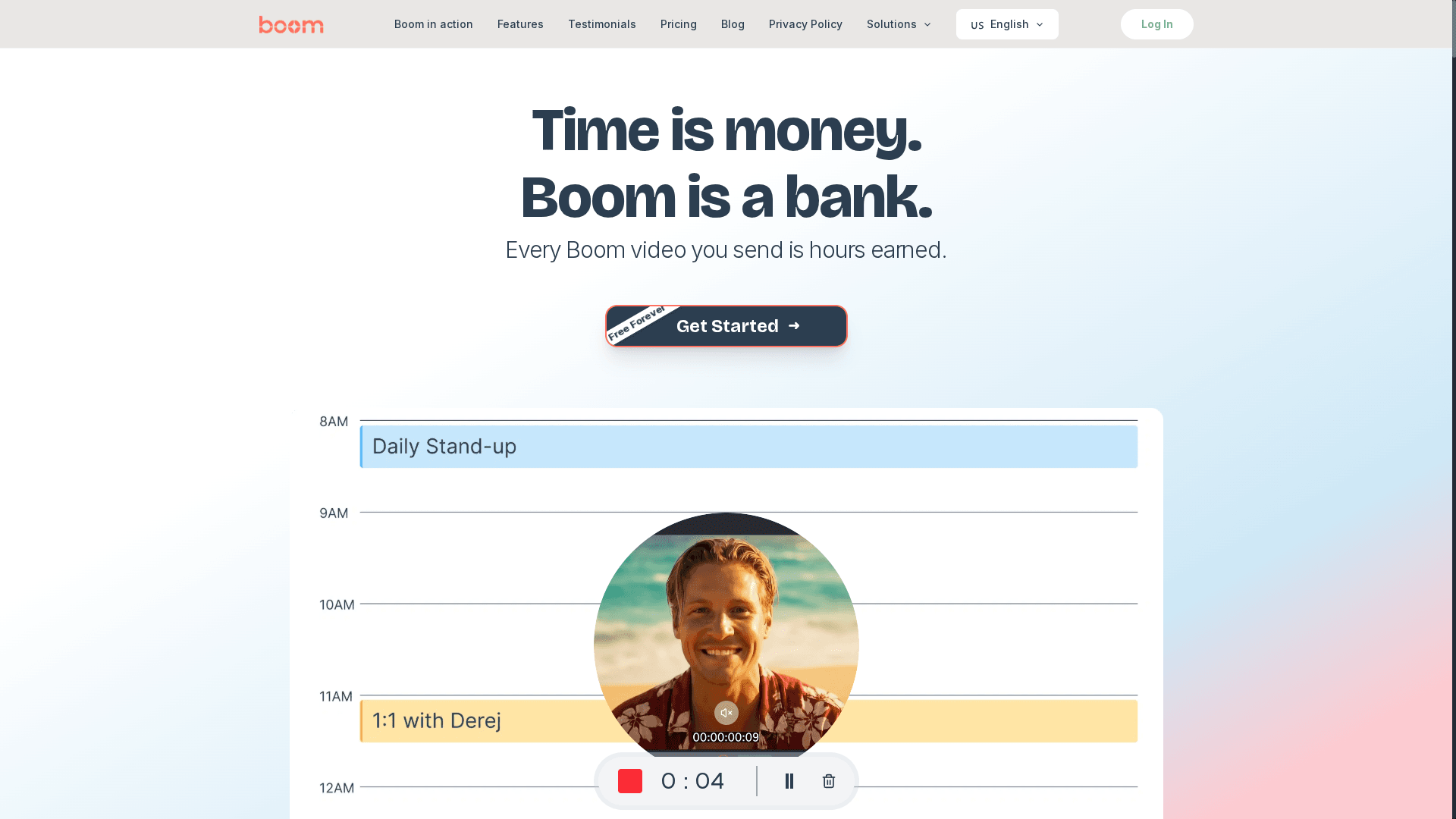
boomshare.ai is an AI-first, async video platform that purposefully turns meetings into messages — saving you time while producing polished, on-brand videos. It combines unlimited HD/4K recording and cloud editing with built-in AI for transcription, summarization, translation, and voiceover, all at no cost. The bottom line: if you need professional video output without the scheduling headaches or paywalls, boomshare.ai delivers a rare mix of depth, simplicity, and accessibility.
Core Features
boomshare.ai bundles free unlimited HD/4K recordings and full editing capabilities with AI-powered smart transcription, summarization, and translation. Background removal and visual effects are available alongside multi-track editing and color grading, so creators get broadcast-grade tools inside a browser-friendly workflow. The platform also offers cloud storage, synchronization across devices, and workflow automation via boom syncs that integrate recordings into meetings and collaboration flows. On top of that, boom emphasizes async-first and voice-to-video interactions, plus auto-scripting and instant branding to turn raw voice or screen captures into ready-to-share assets.
Pros
Who It's For
- Completely free with no hidden fees or premium tiers, making professional tools broadly accessible to creators and teams.
- Wide range of professional editing tools, including AI features, delivers broadcast-quality results without a steep learning curve.
- No limitations on recording or editing duration, so you can capture long demos, lectures, or interviews without chopping sessions into parts.
- Supports multiple devices and platforms, enabling seamless recording and playback whether you’re on desktop, mobile, or tablet.
- Promotes collaboration and workflow automation, letting teams comment, iterate, and sync videos into existing processes without scheduling live meetings.
boomshare.ai is ideal for content creators, marketers, educators, and remote teams who need a cost-effective, professional-grade video creation and editing tool. It’s particularly valuable for product managers, freelancers, and startup founders who must communicate updates, demos, or pitches asynchronously and for social creators producing localized reels or tutorials. If you’re tired of coordinating calendar windows for simple status updates, boomshare.ai replaces that friction with a fast, repeatable async flow.
Unique Value Proposition
boomshare.ai positions itself as an "AI-Powered Bank of Time": every async video is time earned. It uniquely combines unlimited, free HD/4K recording with fully integrated AI transcription, summarization, multilingual dubbing, and built-in branding — features usually split across multiple paid tools. That breadth means you can record, auto-script, edit, localize, and share one asset without exporting to separate platforms. The platform’s async-first design and boom syncs turn videos into collaborative artifacts (comments, edits, and integrations) rather than ephemeral calls, dramatically reducing meeting load. The result: faster content cycles, consistent branding, and global reach at zero cost — an uncommon combination that elevates team productivity and creator output.
Real World Use Case
A marketing team uses boomshare.ai to record product walk-throughs, then applies AI-generated captions and instant multilingual dubbing to produce region-ready content. They edit clips in multi-track timelines, add color grading, and share final assets to campaigns — all in one cloud flow — reducing a two-day production cycle to a few hours and increasing engagement through localized messaging.
Pricing
Starting at $0 — Free forever; the ultimate plan includes all features for $0 with no credit card required.
Website: https://boomshare.ai
Loom
At a Glance
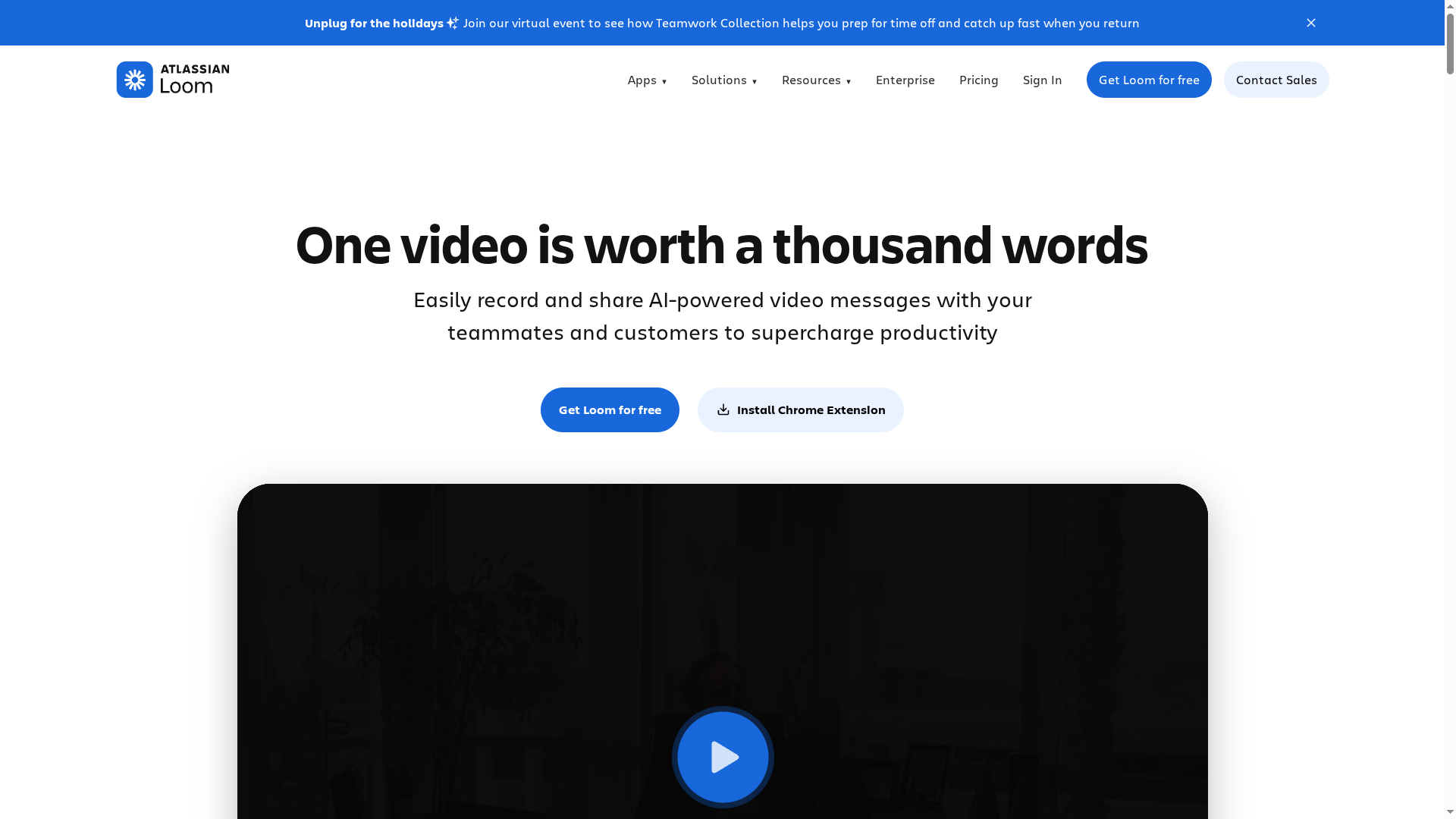
Loom is a mature screen-recording and video messaging platform that makes it fast to capture, polish, and share short videos across devices and teams. Its strengths lie in speed, approachable editing tools, and AI-powered enhancements that save time during production and documentation. If you need reliable async video for sales, support, or internal training, Loom gets you there quickly — though some advanced capabilities live behind paid tiers. Consider it a practical, team-ready solution rather than a high-end post-production studio.
Core Features
Loom combines lightning-fast screen and camera recording with AI-powered auto-enhancement, basic but capable editing (trim, stitch, overlays, text, arrows), and broad sharing and embedding options. It offers video transcriptions and closed captions in 50+ languages, audience engagement elements like comments, emojis, and CTAs, plus security controls (privacy settings and password protection) and integrations with tools such as Slack, Jira, and GitHub. The platform is built to streamline common workflows: record, enhance, annotate, and distribute — all without a separate editing pipeline.
Pros
Cons
Who It's For
- User-friendly interface and quick recording process: Loom’s workflow reduces the friction of capturing and sharing videos so teams actually use it instead of reverting to meetings.
- Rich editing features without needing external tools: You can trim, stitch, and add overlays or annotations directly in Loom, which speeds up turnaround for feedback and training content.
- Seamless integration with popular collaboration tools: Native connections to Slack, Jira, and GitHub let your video assets live where work is already happening.
- AI features that automate and enhance video creation and documentation: Auto-enhancement and automatic transcriptions in 50+ languages make videos more polished and searchable without extra effort.
- Scalable plans suitable for individuals, teams, and enterprises: From a free plan up to enterprise offerings, Loom supports use across solo creators to org-wide deployments.
- Some features require paid plans which can be costly for small teams or individual users: Advanced recording quality and enterprise-grade controls aren’t fully available on the free tier.
- Limited high-resolution recording (up to 720p in some plans, up to 4K in higher plans): If you need consistent native 4K capture, you’ll need a higher-priced plan.
- Dependence on internet connection for recording and sharing: Loom’s cloud-first flow means offline work and fragile networks can interrupt capture and upload.
- Potential privacy concerns with enterprise data handling: Organizations with strict compliance needs should evaluate data residency and enterprise security details before broad adoption.
Loom is ideal for teams and organizations that need quick, clear async video for remote collaboration, customer outreach, and training. If you regularly create sales outreach videos, walk-throughs, or onboarding content and want integrations into your existing toolchain, Loom fits well. It’s particularly useful when speed and ease of use matter more than advanced post-production.
Unique Value Proposition
Loom’s value is speed plus polish: it turns mundane screen captures into replayable, searchable assets with minimal effort by combining fast recording, AI enhancements, and integrated editing. That combination makes async video a practical replacement for many routine meetings and status updates.
Real World Use Case
A sales team records personalized pitch videos that combine screen visuals and camera snippets, shares them via Slack, and collects prospect feedback through Loom’s comment features — increasing engagement and improving close rates without extra meetings.
Pricing
Starting at $15 per user/month, with a free plan available and enterprise plans offering custom pricing and features.
Website: https://loom.com
trupeer
At a Glance
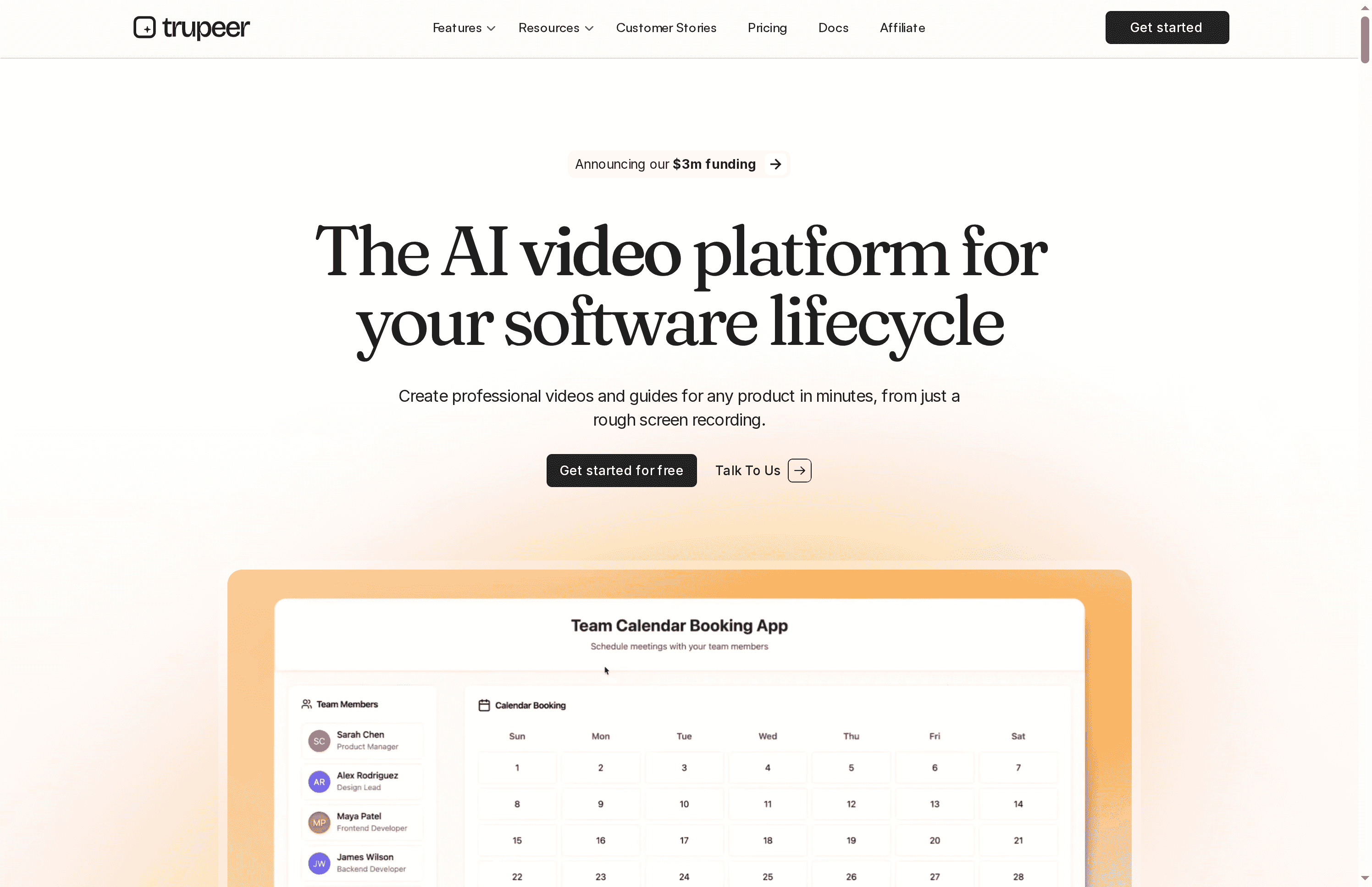
trupeer is an AI-driven platform that converts rough screen recordings into professional product videos and documentation quickly. It emphasizes speed, multilingual support, and enterprise-ready controls, making it suitable for both solo creators and larger teams. Recent funding and a clear roadmap suggest active development and growing capability. If you need fast, branded video content without a full production cycle, trupeer is worth testing.
Core Features
trupeer combines AI video generation and AI guide generation to turn raw footage into polished tutorials and knowledge articles. It layers AI translation and multilingual dubbing on top, so a single recording can become localizable content for global audiences. AI avatars and integrated scripting, voiceover, and effects streamline the creative steps that typically slow production. Exports in multiple formats and easy sharing round out a workflow designed to get content from recording to distribution with minimal manual editing.
Pros
Cons
Who It's For
- Fast professional output: trupeer accelerates production by converting rough recordings into clean videos, which reduces editing overhead and turnaround time.
- Customizable branding: The platform offers branding options so teams can maintain consistent visual identity across tutorials and demos.
- Multilingual support: Built-in AI translation and dubbing let you produce localized content without hiring voice talent or translators.
- Enterprise-ready security and scale: trupeer positions itself for organizational use with security and scalability features suited to larger teams.
- Integrated AI tooling: Scripting, voiceovers, avatars, and effects are baked in, reducing the need for multiple external tools during production.
- Subscription required for watermark removal and advanced features: Removing watermarks and accessing higher-end capabilities requires a paid plan, which limits seamless use on the free tier.
- Free-plan limits via credits: A credit system constrains free-tier usage, which can interrupt workflows for frequent creators.
- Higher-tier gating for collaboration and branding: Some team collaboration and custom branding features are reserved for more expensive plans, which may frustrate growing teams on tight budgets.
trupeer fits individuals and small teams who must produce high-quality product videos quickly—think product managers, support teams, and content creators who need rapid turnarounds. It also suits larger organizations that require scalable, secure, and branded content pipelines for onboarding, documentation, and knowledge management.
Unique Value Proposition
trupeer's strength lies in converting minimal input—raw screen recordings—into ready-to-share, brand-consistent videos and guides with AI handling scripting, voiceover, translation, and visual polish. That single-workflow approach removes much of the friction between idea and publishable asset.
Real World Use Case
A SaaS company records brief demos and uses trupeer to generate onboarding videos and step-by-step guides. The result: faster user education, fewer support tickets, and a dramatic cut in production costs compared with traditional video teams.
Pricing
Free tier available (limited: 10 AI video minutes, 5 guides, 3 exports). Paid plans start at $40/month for individual users, with custom enterprise solutions for larger organizations and added features.
Website: https://trupeer.ai
Loom
At a Glance
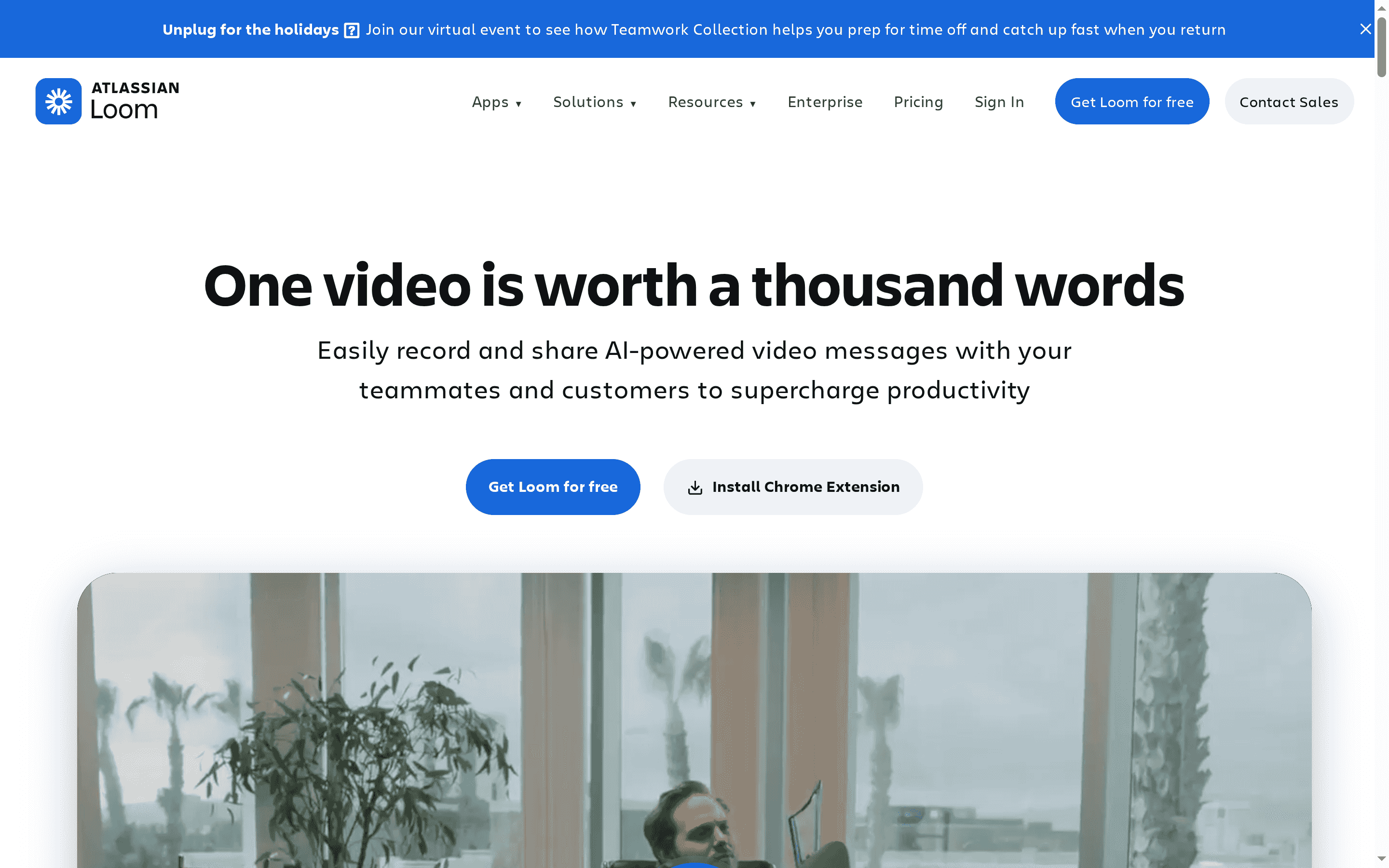
Loom is a pragmatic, fast video communication platform built for people who'd rather show than schedule. It combines lightning-fast screen and camera recording with a friendly editor, deep integrations, and AI-powered enhancements to make short-form explanations, demos, and feedback feel effortless. If you need to replace quick calls with clear asynchronous video, Loom gets you there quickly — with enterprise-grade controls when teams scale.
Core Features
Loom’s core capabilities center on capture, edit, and share. Record instantly from Chrome, desktop, or mobile; use the intuitive editor to trim, stitch, or add backgrounds, text, arrows, and overlays; and distribute videos across Google Workspace, Slack, Jira, and Confluence with one click. Collaboration is built in via comments, emojis, tasks, and CTAs, while AI tools produce auto-enhancements, summaries, chapters, and document-ready scripts to save editing time.
Fast. Simple. Collaborative.
Pros
Cons
Who It's For
- Quick multi-device recording: Loom lets you capture screen and camera in seconds on Chrome, desktop, or mobile, which minimizes setup friction and speeds execution.
- Robust editing and customization: The editor supports trimming, stitching, overlays, and backgrounds so your videos look polished without external tools.
- Deep integrations with productivity apps: Native connections to Slack, Google Workspace, Jira, and Confluence make embedding and sharing seamless within existing workflows.
- Time-saving AI features: Auto-enhancement, summaries, chapters, and script transformations reduce post-production work and make content more discoverable.
- Enterprise-ready security: Built-in security controls and admin features make Loom suitable for organizations that must manage access and compliance.
- Restrictive free tier limits: The free plan caps users at 25 videos and 5-minute recordings, which can quickly constrain regular creators or teams.
- Key features behind paywall: Advanced editing, unlimited videos, and other premium capabilities require paid plans, so scaling teams will incur ongoing costs.
- Onboarding curve for some features: While simple tasks are intuitive, advanced functionality—like leveraging AI summaries or admin controls—may need a short learning period for new users.
Loom is ideal for individuals and teams that value asynchronous communication: sales reps recording personalized pitches, engineers sharing sprint context, designers giving visual feedback, and support agents demonstrating fixes. It fits freelancers, startups, and enterprise teams that want fast, shareable video without heavy production overhead.
Unique Value Proposition
Loom’s strength is the end-to-end simplicity: record quickly, edit lightly, and share broadly, all while layering AI to reduce manual work. That combination—speed, native integrations, and enterprise controls—lets teams replace many short meetings with targeted video updates that travel with context.
Real World Use Case
A sales team personalizes outreach by recording short pitch videos, trimming the clip to highlight product benefits, and sending the link through Gmail or Slack; AI-generated summaries and chapters improve recipient scanning and follow-up efficiency.
Pricing
Starting at $15/user/month (billed annually); Free tier available with limitations such as 25 videos and 5-minute recordings.
Website: https://loom.com
Synthesia

At a Glance
Synthesia is an AI video platform built for businesses that need fast, scalable, and localized video production. It combines studio‑quality AI avatars, 140+ language voiceovers, and enterprise-grade security to cut production time and cost. For teams managing global training, comms, or marketing at scale, Synthesia promises consistent branding and streamlined localization workflows. It’s powerful — and it comes with predictable tradeoffs around pricing and advanced customization.
Core Features
Synthesia’s core capabilities center on automated, multilingual video creation and enterprise collaboration. You can generate polished AI videos from documents or simple ideas, convert PowerPoint slides and screen recordings into finished videos, and produce voiceovers and dubbing in 140+ languages with a single click. Collaboration tools let teams work together in real time, while LMS integration and SCORM export simplify distribution. The platform also offers on‑brand customization (logos, colors, styles), automatic transcripts, basic editing, a multilingual video player, and analytics to measure engagement.
Pros
Cons
Who It's For
- Fast, enterprise-ready localization: Synthesia’s one‑click translation into 140+ languages dramatically reduces the time and cost of global video rollout. This makes localized training and comms realistic at scale.
- High adoption ease: The platform is intuitive—over 90% of users reportedly publish their first video without tutorials—so teams can move from idea to published content quickly.
- Collaboration and LMS integrations: Real‑time teamwork and SCORM export streamline course delivery and the handoff between content creators and learning platforms.
- Security and compliance focus: Designed for larger organizations, the platform emphasizes security, governance, and brand controls that enterprises require.
- Studio-quality output without a studio: AI avatars and polished voiceovers let non-creative teams produce consistent, professional-looking videos without costly production resources.
- Complex pricing structure can be confusing: Multiple plans and add-ons make it hard to know the total cost upfront, especially for features that scale with usage.
- Limited free usage: Most useful capabilities require subscription plans, so casual or one-off users will quickly hit limits without paying.
- Advanced avatar features may cost extra: Custom or studio avatars and certain premium customizations appear to be add-ons rather than included features, increasing the effective price for high-end branding.
Synthesia is aimed at medium and large enterprises that need repeatable, branded video content across regions and languages. If you’re running global employee training, change management communications, or multilingual marketing campaigns and need to keep messaging consistent, this platform fits well. Smaller teams may find it powerful but potentially overbuilt and costly for occasional use.
Unique Value Proposition
Synthesia’s unique value is bringing enterprise-grade, multilingual video production to teams without a production studio: fast localization, brand consistency, and LMS-ready delivery in one platform. It reduces the friction of scaling video content across markets while keeping control and security in place.
Real World Use Case
A global corporation uses Synthesia to produce localized onboarding and compliance videos in multiple languages, slashing production cycles and ensuring every region receives on‑brand content with consistent messaging and tracking through their LMS.
Pricing
Starting at $18/month with enterprise-level custom plans and usage-based add‑ons.
Website: https://synthesia.io
Descript
At a Glance
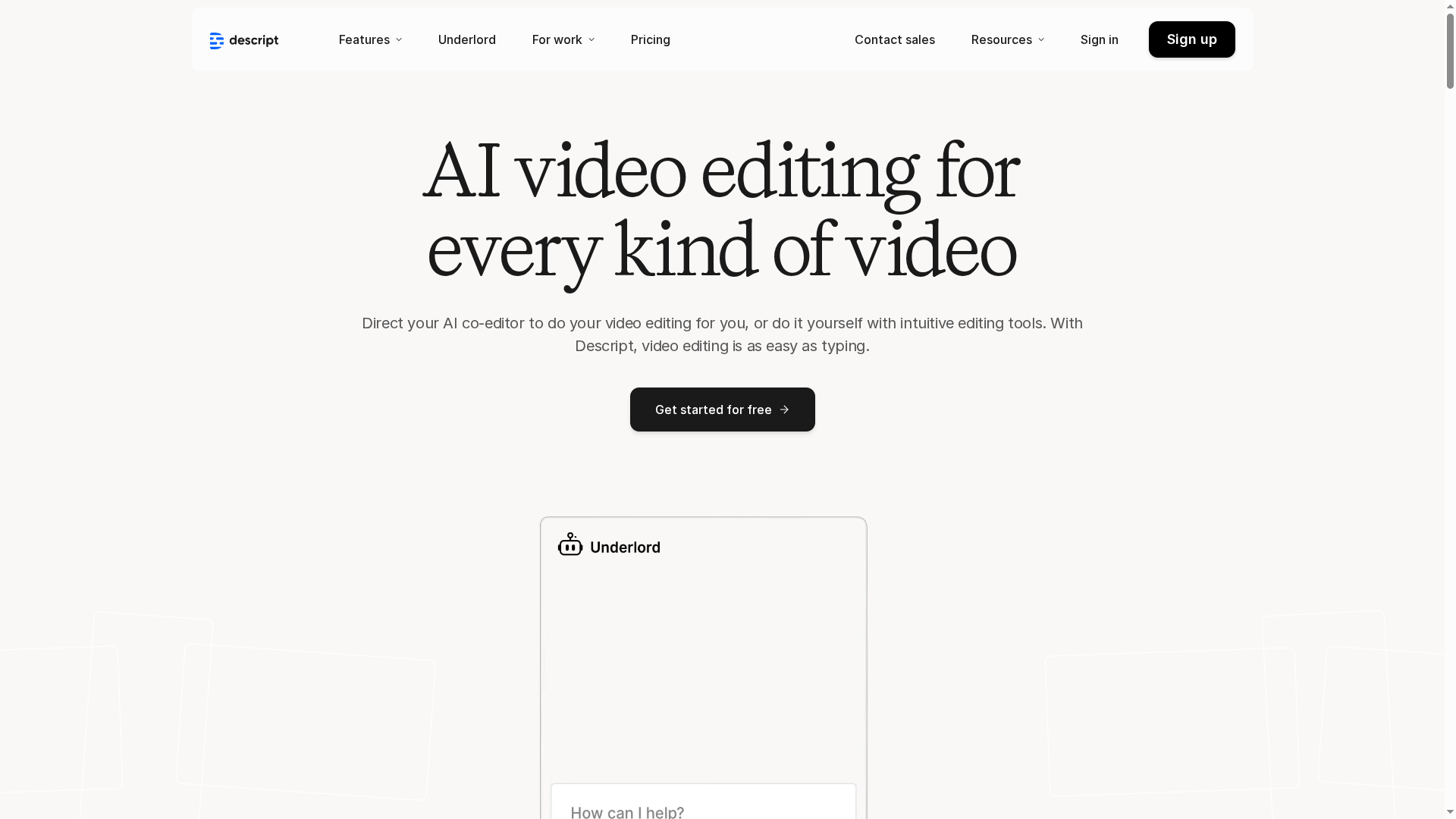
Descript is an AI-powered editing suite that makes video, audio, and podcast production faster and more accessible by turning transcripts into the primary editing surface. Its strengths lie in advanced AI helpers — from automated design and media generation to studio-grade audio cleanup — which let teams move from concept to publishable content with far less manual fiddling. Expect a gentle learning curve for basic tasks and a steeper one as you adopt its more advanced AI toolset.
Core Features
Descript centers around text-based editing from transcripts, which means you edit words to edit media — a paradigm that dramatically lowers the barrier for creators without traditional editing skills. The platform adds AI-driven capabilities: a co-editor called "Underlord," automated video design (layouts, transitions, B-roll), AI-generated visuals and video from prompts, multi-language speech-to-text with speaker detection, studio audio enhancement, green screen removal, AI eye-contact correction, captioning and translation, custom avatars and voice cloning, a royalty-free media library, and automated highlight creation for social clips.
Pros
Cons
Who It's For
- Easy to use with a text-based editing interface: Editing with a transcript reduces technical friction and speeds up basic cut-and-trim workflows.
- All-in-one platform supporting video, audio, and podcasts: You can manage podcast episodes, training videos, and short-form social content within a single toolchain.
- Advanced AI features that save time and improve content quality: Automated design, audio cleanup, and highlight clipping reduce manual labor and raise output polish.
- Flexible plans suitable for individuals, small teams, and enterprises: A range of tiers accommodates different usage patterns from solo creators to organizations.
- Strong collaborative tools for team projects: Built-in collaboration helps teams iterate without bouncing files between siloed apps.
- Some features might require understanding AI tools and are complex initially: Advanced capabilities like voice cloning, AI-generated visuals, and co-editing require time to learn and sensible guardrails.
- The pricing might be high for casual or infrequent users: Though a free plan exists, paid tiers and variable costs for media hours and AI credits can add up for light users.
- Limited free features under the free plan: Core AI-driven conveniences are gated behind paid plans, which limits how much you can test without committing.
Descript is well suited to content creators, marketers, podcasters, educators, and enterprise teams that need efficient, AI-enhanced workflows for producing demos, tutorials, and social clips. If you value speed, collaborative editing, and AI automation over low-cost, manual editing, Descript fits neatly into your stack.
Unique Value Proposition
Descript’s unique offer is the union of text-first editing with production-grade AI: you manipulate transcripts to shape audio and video, while automated design, audio polishing, dubbing, and highlight generation handle the heavy lifting. That combination turns editing from a technical chore into a content-focused exercise.
Real World Use Case
A marketing team uses Descript to produce product demo videos quickly by drafting scripts, applying automatic scene layouts, and generating supplemental visuals — cutting production time while maintaining consistent quality.
Pricing
Free tier available; paid plans include Hobbyist at $16/month, Creator at $24/month, Business at $50/month, and Enterprise plans available on request. Pricing varies with media hours and AI credits.
Website: https://descript.com
Veed.io
At a Glance
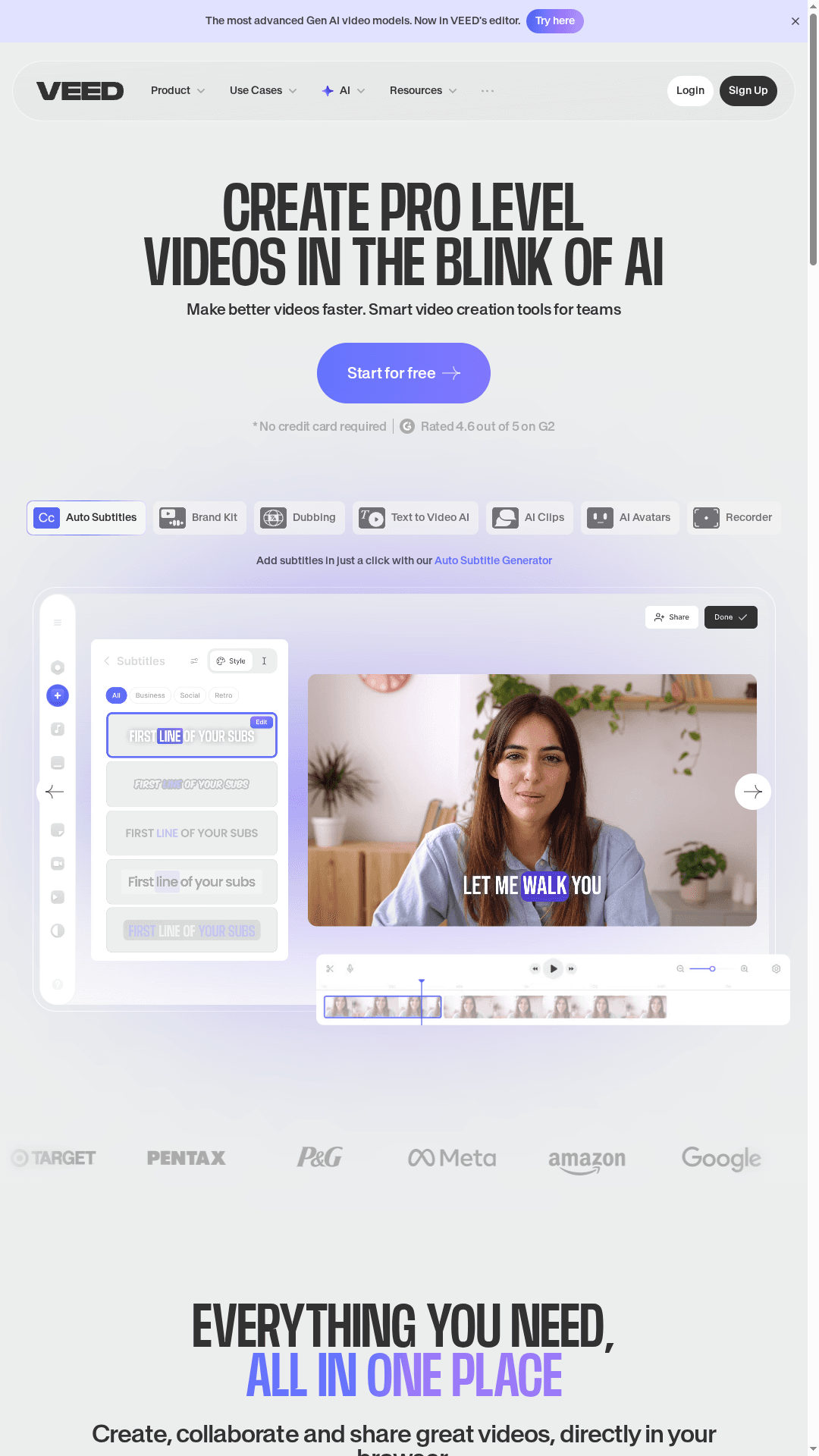
Veed.io is a browser-based, pro-level video editor that packs a surprising amount of AI into a single, accessible workspace. It speeds routine tasks—auto subtitles, background removal, and quick cuts—so creators and teams can iterate faster. It’s approachable for solo creators and scalable enough for marketing and enterprise teams. Recommended when you need powerful edits without a steep desktop setup.
Core Features
Veed.io provides a full end-to-end browser editor with features aimed at modern content workflows: auto subtitles, AI avatars, screen and self recording, a royalty-free stock library, team collaboration controls, and embedded hosting. Its AI toolkit includes background removal, translation, eye-contact correction, magic cut for rapid trimming, and AI voice cloning/text-to-speech—so you can handle localization, accessibility, and fast edits without juggling multiple apps.
Pros
Cons
Who It's For
- All-in-one editor in the browser: You don’t need to download software; Veed puts recording, editing, and hosting behind a single URL so teams get up and running quickly.
- Strong AI feature set that saves time: Auto subtitles, magic cut, and eye-contact correction automate repetitive tasks and reduce editing cycles.
- Built for collaboration and brand control: Team tools and shared assets help maintain consistency across campaigns and speed review loops.
- Rich stock and asset resources: The royalty-free library and in-editor assets reduce the time spent sourcing B-roll and overlays.
- Flexible pricing tiers: Multiple plans let freelancers start free and scale to paid tiers for pro features.
- Some advanced features are locked behind paid plans, which means power users will likely need to upgrade to access voice cloning, extended exports, or higher limits.
- Free plan watermarks can limit professional use, forcing paid subscriptions for client-facing deliverables.
- Lower-tier limits on video length and exports may constrain heavier creators, requiring careful planning or an upgrade for high-volume projects.
Veed.io fits content creators, social media managers, marketing teams, educators, and small to mid-size enterprise teams who need polished videos fast. If you prioritize speed, collaboration, and AI-accelerated workflows over deep frame-by-frame control, Veed offers a practical balance between simplicity and capability.
Unique Value Proposition
Veed.io’s strength is bringing advanced, time-saving AI features into a unified, browser-based workflow—no installs, no fragmented toolchain. That combination makes routine production tasks—subtitling, localization, quick cuts, and branded exports—remarkably efficient, especially for teams iterating on social campaigns and training content.
Real World Use Case
A marketing team uses Veed.io to record product demos, apply auto subtitles and translations, run a quick magic cut to keep videos under 60 seconds, and collaborate with designers for brand-approved captions. The result: faster publish cycles and fewer review meetings. Simple. Effective.
Pricing
Starting at Free; paid plans at $12/month (Lite) and $29/month (Pro) per user, with enterprise plans available at custom pricing.
Website: https://veed.io
Wistia
At a Glance
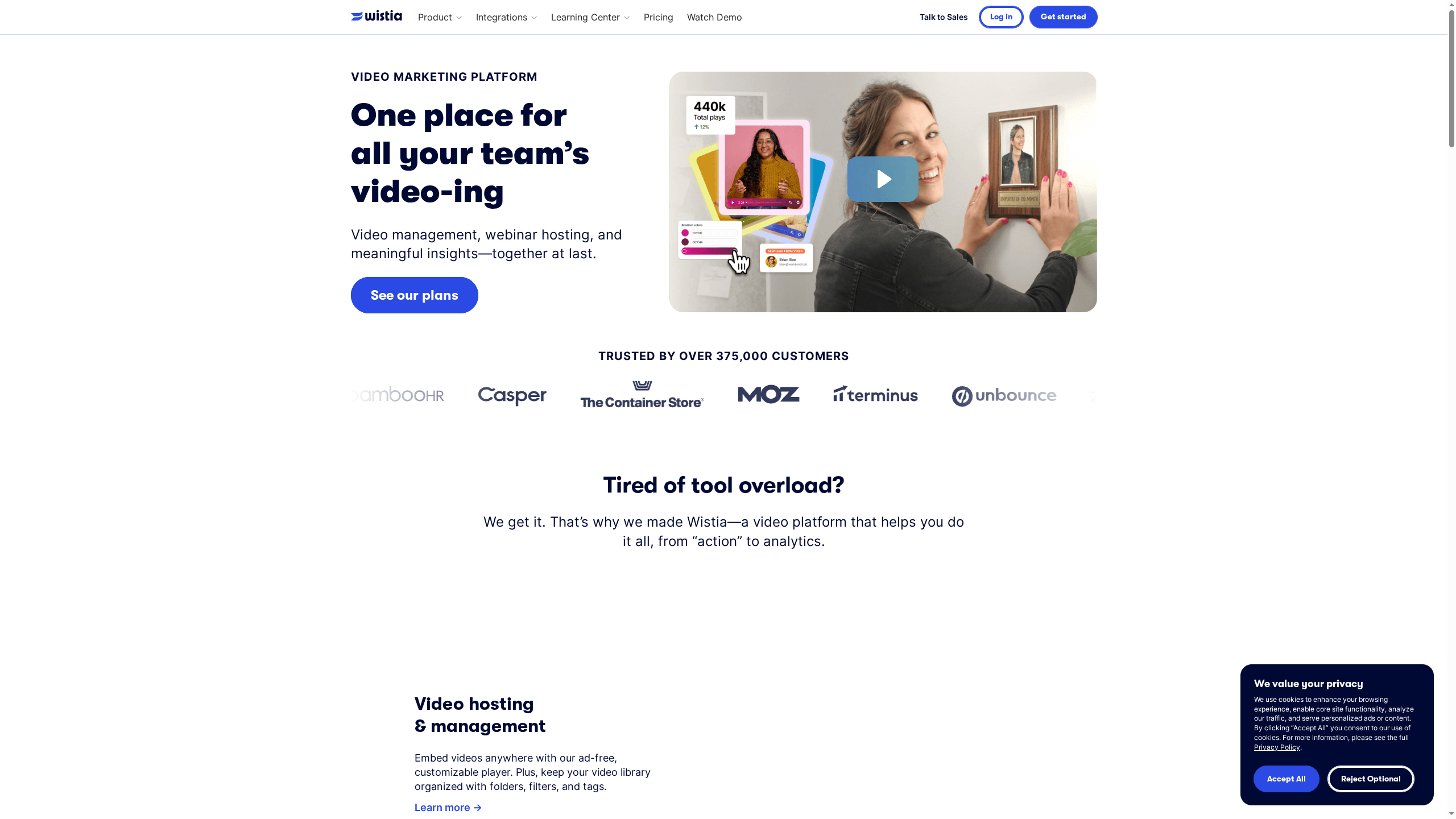
Wistia is an all-in-one video marketing platform built to help businesses host, brand, analyze, and distribute video content without relying on multiple tools. Trusted by over 375,000 customers, it emphasizes ease of use, strong customization, and marketing-grade analytics to turn video views into measurable outcomes. It’s a solid choice when your primary goal is marketing impact rather than raw creative editing. Expect smooth hosting and rich viewer insights, though costs can add up as your needs scale.
Core Features
Wistia combines ad-free video hosting with a customizable player, organized video management via folders, filters, and tags, and webinar hosting that integrates with marketing stacks. It includes recording and editing capabilities enhanced with AI tools and viewer engagement analytics like heatmaps and audience insights that sync to marketing systems. The platform’s focus is end-to-end workflow: create, brand, manage, analyze, and connect video performance to lead-generation and campaign metrics.
Pros
Cons
Who It's For
- All-in-one platform for video hosting, management, and analytics: You can keep hosting, webinars, editing, and analytics under one roof instead of juggling separate services.
- Ease of use with no need for external editing or recording equipment: Built-in recording and AI-assisted editing streamline production for teams without large production budgets.
- Strong analytics and insights for marketing optimization: Heatmaps and audience analytics make it straightforward to identify which moments drive engagement.
- Customizable video players and branding options: You can present videos with consistent branding and an ad-free experience that keeps viewers focused.
- Good integrations with other marketing tools: The platform is designed to feed video engagement into your existing marketing stack for follow-up and conversion.
- Flexible plans including a free tier: There’s a free option to test basic features before committing to paid plans.
- Pricing may be high for small businesses or startups: The step from free to paid plans can be significant for teams with tight budgets.
- Limited advanced features on the free plan: The free tier covers basics but restricts access to some of the analytics and customization that power marketers need.
- Additional costs for extra users or media: Scaling viewers, user seats, or media volume can introduce incremental charges that increase total spend.
Wistia is ideal for businesses that prioritize video as a core part of their marketing funnel—particularly mid-sized and larger teams that need robust analytics, branding options, and marketing integrations. If you want to host webinars, measure viewer behavior, and convert video engagement into leads without stitching together multiple tools, Wistia fits that workflow.
Unique Value Proposition
Wistia’s unique strength is packaging marketing-focused video hosting with deep viewer insights and brand-consistent playback, so teams can both present polished content and measure its business impact. It’s not just a player; it’s a marketing tool that turns video into trackable, actionable data.
Real World Use Case
A marketing team hosts product demos and webinars on Wistia, uses heatmaps and audience analytics to spot drop-off points, and feeds engagement data into their CRM for targeted follow-ups—resulting in clearer attribution and higher-quality leads.
Pricing
Starting at Free plan available with basic features; paid plans range from $19/month to $319/month with additional enterprise and custom options.
Website: https://wistia.com
Video Creation and Editing Platforms Comparison
This table compares various AI-driven video creation and editing platforms, highlighting their core features, benefits, drawbacks, pricing, and target users, as detailed in the article.
| Platform | Core Features | Pros | Cons | Pricing |
|---|---|---|---|---|
| boomshare.ai | Unlimited HD/4K recording, AI transcription, cloud storage | Free with no hidden fees, broadcast-quality results, seamless on multiple devices | N/A | Free forever |
| Loom | Fast recording, AI auto-enhancements, integration with tools | User-friendly, quick recording, seamless integrations | Some features require paid plans, internet-dependent | Starting at $15/user/month |
| trupeer | AI-driven video and guide generation, branding options | Fast output, multilingual support, enterprise-ready | Subscription needed for watermark removal, credit limits | Free tier limited, $40/month for full features |
| Synthesia | AI avatars, 140+ language voiceovers, enterprise security | Fast localization, brand consistency, intuitive use | Complex pricing, limited free usage | Starting at $18/month |
| Descript | Text-based editing interface, AI-driven enhancements | Easy to use, one platform for video and audio, AI time-saving tools | Complex AI features, high pricing for casual users | Free, with paid plans from $16/month |
| Veed.io | Browser-based editing, AI tools for quick cuts, subtitles | All-in-one, strong AI feature set, collaboration-ready | Some features behind paywall, free plans have watermarks | Free, with paid plans from $12/month |
| Wistia | Video hosting, management, analytics | All-in-one, ease of use, strong analytics | High pricing for small businesses, limited free features | Free, with paid plans from $19/month |
Unlock the Power of Async Video to Save Your Time and Boost Productivity
The "Best 8 AI-Powered Video Platforms – Expert Comparison 2025" article highlights the common challenges of live meetings: scheduling struggles, fragmented workflows, and costly editing tools. If you are tired of calendar juggling and want to deliver polished, multilingual videos without the hassle, you are not alone. The article clearly shows that modern teams and creators need async-first platforms with built-in AI that streamline video creation from recording to sharing.
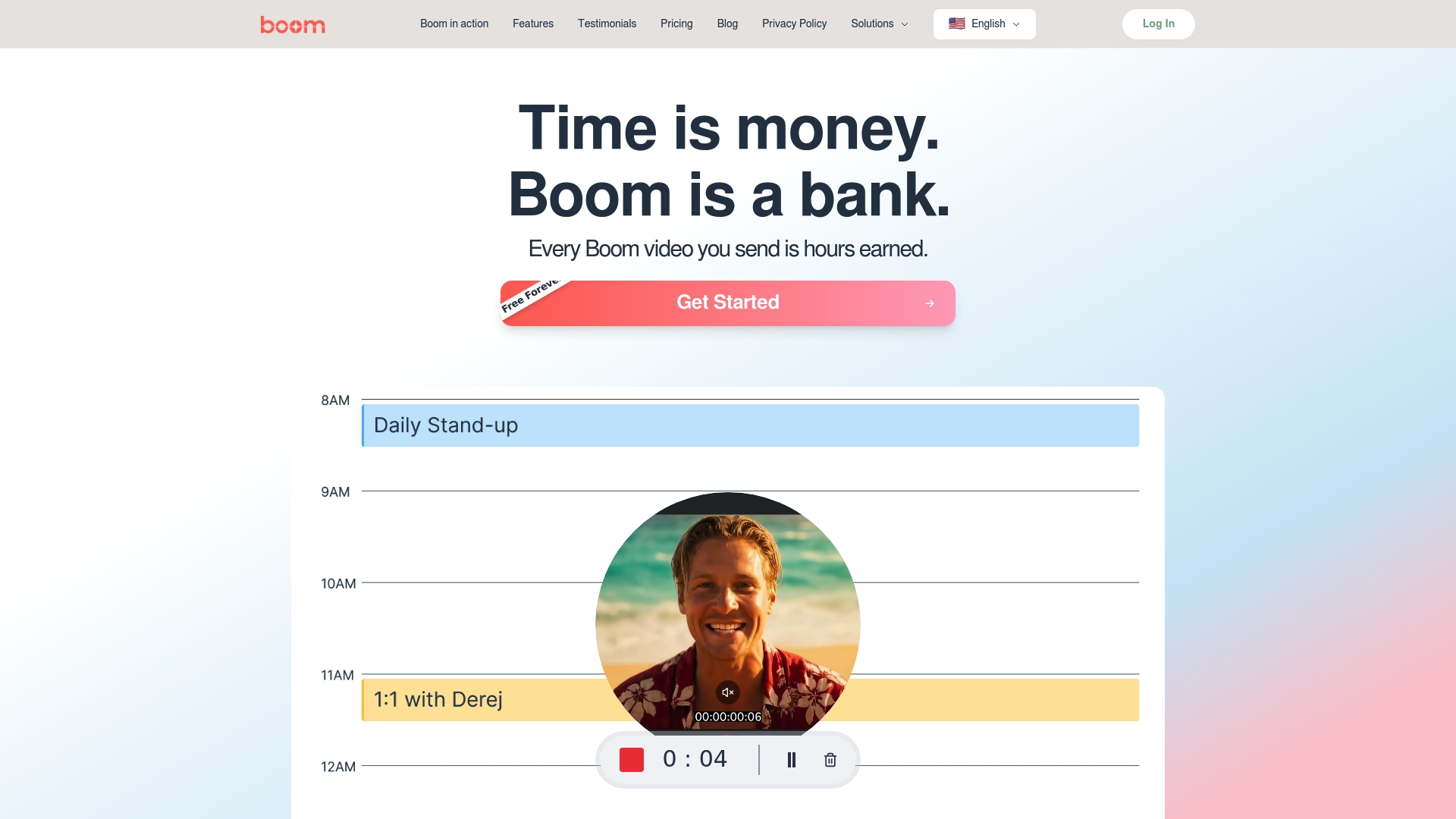
Boom shares this vision but takes it a step further by redefining how remote work happens. With features like voice-to-video recording, auto-scripting, AI voiceover, and instant branding, Boom lets you create on-brand, high-quality videos faster and easier than ever — all for free. Designed specifically to replace meetings with effective asynchronous communication, Boom saves you hours on every video produced. Discover how you can ditch scheduling headaches and start earning back your time.
Ready to transform your workflow and embrace async video? Explore how Boom stands apart in this space by visiting the Boom Landing Page. Experience firsthand why Boom is the AI-powered bank of time that puts you in control: create, speak, and share without meetings. Visit boomshare.ai now and start saving hours today.
Frequently Asked Questions
What are AI-powered video platforms, and how do they differ from regular video editing tools?
AI-powered video platforms utilize artificial intelligence to automate processes like transcription, editing, and even content creation, making it easier and quicker to produce professional videos. Start by identifying your needs; if you require features like AI transcription or auto-generated video summaries, consider using these advanced platforms.
How can I choose the best AI-powered video platform for my needs?
Evaluate your specific requirements, such as video quality, collaboration features, and integration capabilities. Create a checklist of must-have features, and compare the platforms based on these criteria to determine which option aligns best with your workflow.
Are there costs associated with AI-powered video platforms?
Most AI-powered video platforms provide various pricing plans, including free tiers for basic usage and premium tiers for advanced features and capabilities. Explore the pricing sections of each platform to find a plan that matches your budget, and consider starting with a free trial to test their offerings.
How can I maximize efficiency when using AI-powered video platforms?
Utilize the built-in features such as auto-editing, transcription, and AI-generated enhancements to speed up your production processes. For example, by implementing these features, you can reduce your video creation time by approximately 30-50% compared to traditional methods.
What type of content can I create with AI-powered video platforms?
You can create a wide range of video types, including tutorials, product demos, marketing videos, and educational content. Define your target audience and goals to tailor your content, leveraging the platform's features to enhance viewer engagement and clarity.
How do I ensure my videos remain on-brand when using AI-powered video platforms?
Most platforms allow you to customize branding elements, such as logos, colors, and fonts. Take advantage of these features to maintain consistency in your visual identity across all videos, ensuring that your brand's message remains clear and recognizable.
Recommended
About the Author
Birju
Senior Software Engineer.