
Creating Branded Video Templates for Consistent Content
Master creating branded video templates in Boom with clear, step-by-step actions. Achieve consistent, on-brand videos for any use case or team size.
Daniel M
Author
Creating Branded Video Templates for Consistent Content
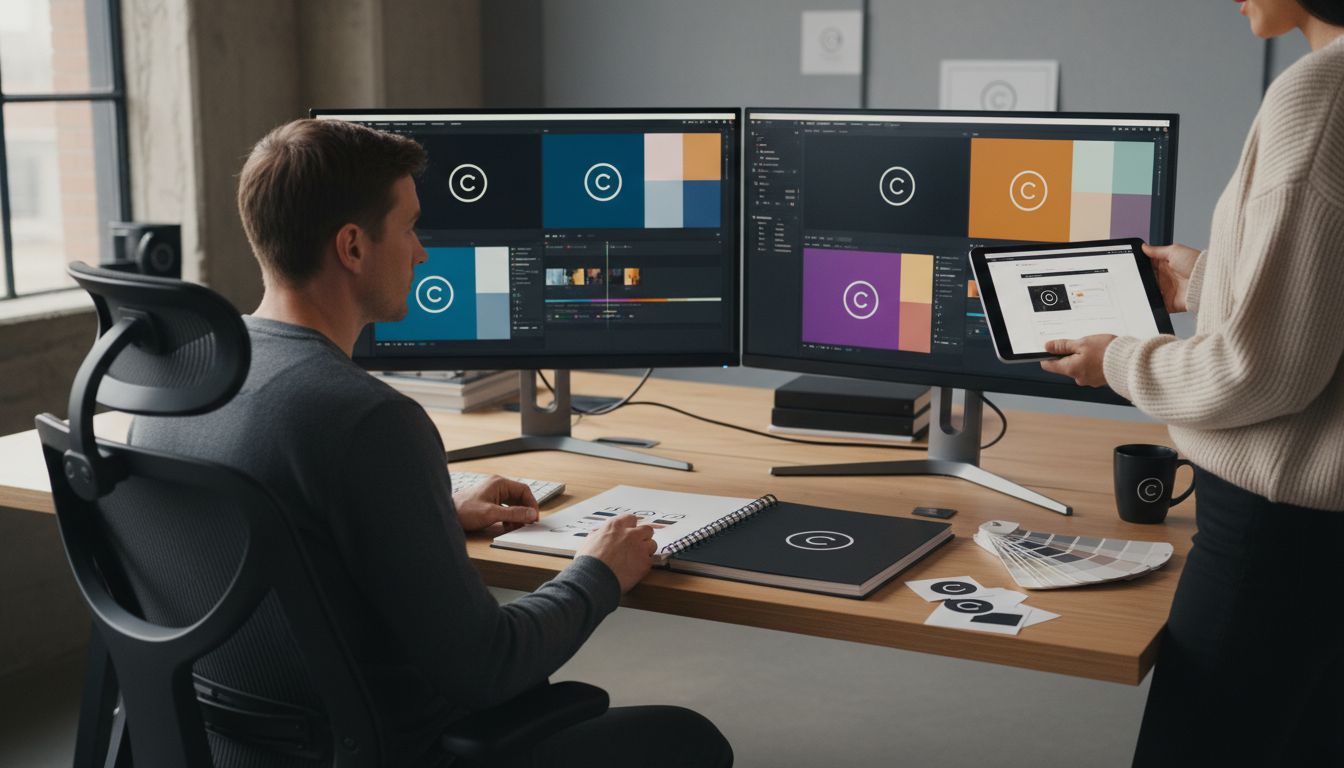
More than 70 percent of consumers say consistent branding makes a company more trustworthy. Building a strong visual identity for your videos is not just about looking good. It helps your audience recognize you instantly and builds lasting impressions. By shaping clear guidelines for your brand, setting up your assets, and using the right tools, you can create video templates that deliver a polished, professional message every time.
Table of Contents
Quick Summary
| Key Point | Explanation |
|---|---|
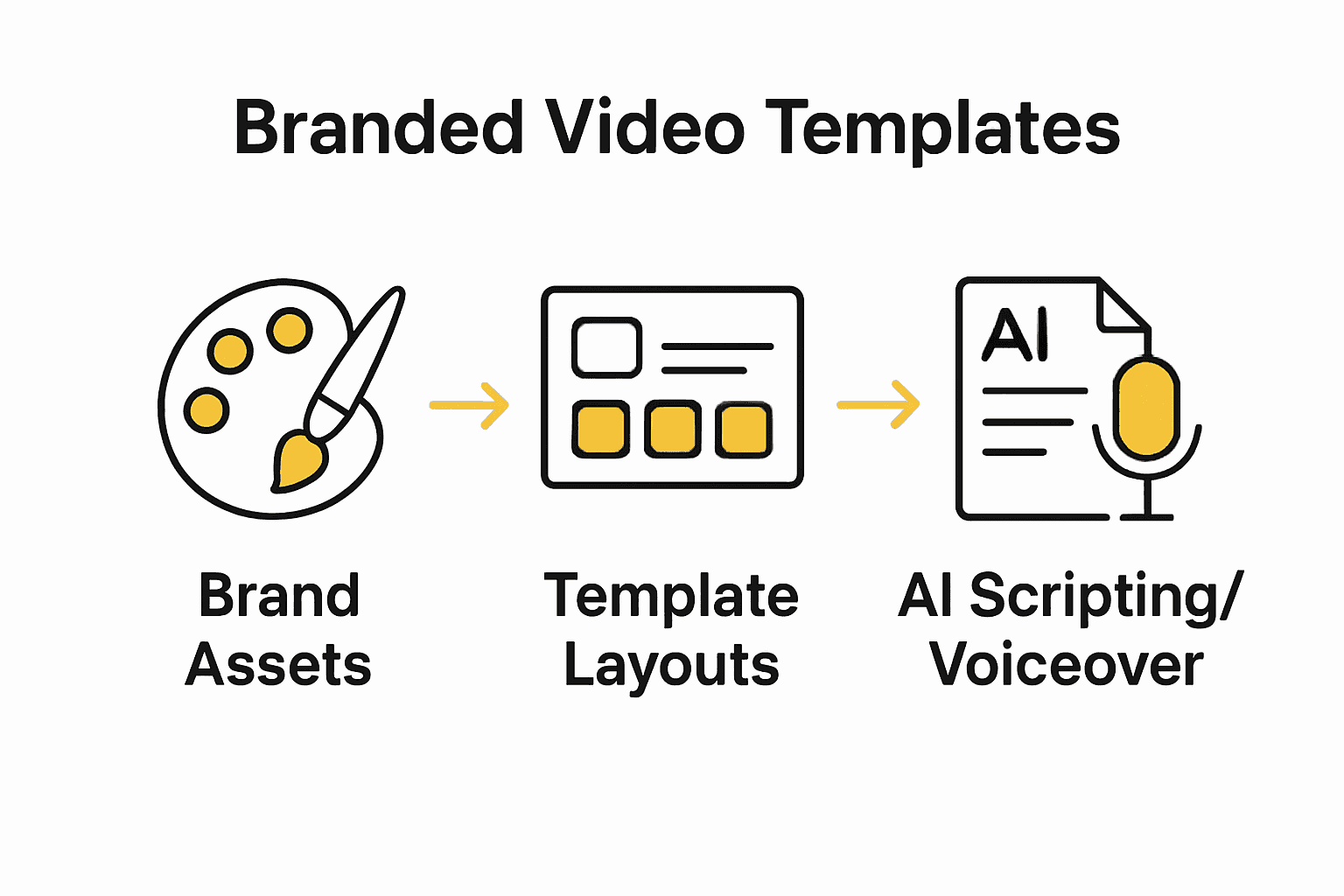
| 1. Define Your Brand Elements | Create a visual identity to represent your brand's personality effectively across all content. |
| 2. Set Up Brand Assets in Boom | Upload your logo, color palette, and fonts to ensure consistent branding in videos. |
| 3. Customize Video Template Layouts | Adjust layouts to incorporate brand elements and maintain a professional, engaging look. |
| 4. Use AI Tools for Scripting | Generate video scripts and voiceovers with AI while reviewing for brand voice authenticity. |
| 5. Preview and Test Templates | Validate templates through tests to ensure all elements align with brand standards before finalizing. |
Step 1: Define Your Brand Elements and Visual Identity
- Step 1: Define Your Brand Elements And Visual Identity
- Step 2: Set Up Your Brand Assets In Boom
- Step 3: Design And Customize Video Template Layouts
- Step 4: Apply Ai Tools For Scripting And Voiceover
- Step 5: Preview, Test, And Save Your Branded Templates
Defining your brand elements is about creating a visual and messaging blueprint that communicates who you are and what makes your content unique. According to Professional Academy, a brand identity comprises strategic tools and elements that help create a distinctive brand image.
To craft a compelling visual identity, start by identifying your core brand personality. Ask yourself key questions: Are you professional and sleek? Playful and creative? Minimalist and modern? These characteristics will guide your design choices. Consider creating a brand style guide that outlines your specific visual elements including color palette, typography, logo usage, and imagery style. For video templates, this means selecting consistent color schemes, fonts, graphic overlays, and transition styles that reinforce your brand aesthetic.
A pro tip for video branding is maintaining visual consistency across all content. This means using the same color filters, graphic elements, and design motifs in every video. This approach helps viewers instantly recognize your content, building brand recall and professional credibility. How to Create Branded Videos That Engage Your Audience can provide additional insights into developing a cohesive visual strategy.
With your brand elements defined, you are now ready to translate these visual guidelines into actual video templates that represent your unique identity.
Step 2: Set Up Your Brand Assets in Boom
Your brand assets are the foundation of creating consistent video content in Boom. According to Boom Video, setting up your brand assets involves uploading your logo, selecting your brand color palette, and choosing your preferred fonts to ensure all video content maintains a unified visual identity.
Navigate to the brand settings in Boom and begin by uploading your company logo in high resolution. Select a version that looks crisp across different video sizes and backgrounds. Next, input your brand color palette by entering the specific hex codes that match your existing brand guidelines. This ensures every template and video overlay will automatically use your exact brand colors. Choose typography that reflects your brand personality carefully consider how these fonts will appear on screen and remain readable in different video formats.
A pro tip is to test your brand assets across multiple video templates before finalizing them. Understanding On Brand Video Creation Guide for Everyone recommends creating a few sample videos to verify that your logo, colors, and fonts work seamlessly together. This preview helps you catch any potential design inconsistencies and ensures your brand looks professional and polished in every video you create.

With your brand assets configured, you are now ready to explore Boom's template library and customize them to match your unique visual identity.
Step 3: Design and Customize Video Template Layouts
Customizing video template layouts is your opportunity to transform generic designs into powerful brand storytelling tools. According to Boom Video, designing custom video templates involves strategically selecting layouts that suit your content while incorporating your unique brand assets.
Start by exploring Boom's template library and selecting a base layout that matches your content type. Whether you are creating a product demo, tutorial, or company update, choose a template with a structure that naturally supports your message. Pay close attention to element placement such as text boxes, image areas, and transition zones. Adjust the grid system to ensure your logo, brand colors, and typography are prominently yet tastefully displayed. Experiment with different alignments and scaling to find the perfect balance that makes your content look professional and engaging.
A critical pro tip is to maintain visual hierarchy and whitespace in your template design. Complete Guide to Video Template Essentials recommends creating breathing room between graphic elements to prevent visual clutter. This means strategically leaving empty spaces that guide the viewer's eye and make your key messages stand out. Test your template across different devices and screen sizes to ensure your design remains clean and readable.
With your customized template now ready, you are prepared to create consistent video content that tells your brand's story with precision and impact.
Step 4: Apply AI Tools for Scripting and Voiceover
AI has transformed content creation by making video production faster and more consistent. According to Boom Video, Boom's AI tools can generate video scripts and provide natural-sounding voiceovers that streamline the entire content creation process.
Begin by inputting your core message or key points into Boom's AI scripting tool. The system will analyze your input and generate a structured script that captures your intended tone and message. When reviewing the AI generated script, focus on preserving your brand voice while allowing the AI to refine the language and flow. Select a voiceover style that matches your brand personality whether that is professional and authoritative or friendly and conversational. Boom offers multiple voice models so experiment with different options to find the perfect match for your content.
A crucial pro tip is to always review and personalize the AI generated content. Master an Easy Video Scripting Workflow Today recommends treating AI tools as collaborative partners rather than complete replacements for human creativity. Edit the script to add personal anecdotes, specific examples, or nuanced language that reflects your unique perspective. This approach ensures your videos remain authentic while benefiting from AIs efficiency.
With your AI powered script and voiceover now refined, you are ready to produce professional videos that communicate your message with precision and personality.
Step 5: Preview, Test, and Save Your Branded Templates
The final step in creating professional video templates is thorough testing and validation. According to Boom Video, it is essential to preview and test your templates to ensure all elements function correctly and align perfectly with your brand standards.
Initiate the preview process by generating multiple sample videos using your newly created template. Watch these recordings carefully to assess visual consistency, text readability, and overall flow. Pay special attention to how your brand elements appear across different video lengths and content types. Check that your logo scales appropriately, color schemes remain consistent, and typography remains clear at various sizes. Test the template on different devices including mobile phones, tablets, and desktop monitors to guarantee a seamless viewing experience across all platforms.
A critical pro tip is to gather feedback from team members or colleagues before finalizing your template. Saving Branded Templates recommends creating a collaborative review process where multiple perspectives can identify potential improvements. Once you are satisfied with the template, save it to your Boom account to ensure you can quickly reproduce consistent branded content in future videos. This approach not only saves time but guarantees a professional and uniform brand presentation across all your video communications.
With your branded template tested, refined, and saved, you are now equipped to create consistent and compelling video content that represents your brand with precision and style.
Unlock Consistent, On-Brand Video Content With Boom
Creating branded video templates often feels overwhelming as you try to balance visual consistency, engaging scripts, and smooth voiceovers. The challenges of ensuring your logos display correctly, colors stay true, and your brand voice shines through can drain your time and energy. The article highlights key pain points such as defining brand elements, customizing templates, and applying AI-powered scripting and voiceover to streamline your workflow.
Boom is built exactly for these challenges. Our AI-powered async video platform helps you save hours by turning those branding elements into instantly usable video templates with your logo, colors, and fonts locked in place. Generate polished scripts in seconds and add natural AI voiceovers that match your brand personality—no scheduling, no fuss. Whether you want to keep your message consistent or localize it instantly, Boom’s AI voiceover and multilingual dubbing brings your branded videos to life with pro-grade quality without any complicated editing.
See how easy creating branded video content can be with Boom right here. Learn to set up your brand assets and build custom templates from scratch or with our robust library. Ready to ditch the stress and gain control over your video content? Start now with our free forever plan and experience the power of Boom’s AI-enhanced video templates.
Don’t waste another minute wrestling with inconsistent videos. Visit Boom’s homepage and transform your brand’s video presence today with tools designed to save time and deliver professional quality every single time.
Frequently Asked Questions
How do I define my brand elements for video templates?
To define your brand elements, identify your core brand personality by considering traits like professionalism, creativity, or minimalism. Create a brand style guide that outlines your color palette, typography, and logo usage, ensuring consistent visual identity in every video template.
What steps should I follow to set up brand assets in video creation tools?
Start by uploading your high-resolution logo and entering your brand color hex codes in the brand settings of your video creation tool. Select typography that reflects your brand personality, ensuring readability across different video formats.
How can I customize video template layouts effectively?
Choose a base layout in your video creation tool that suits the content type you are producing, such as promotional videos or tutorials. Adjust element placements like text boxes and images to enhance branding and maintain visual hierarchy for clarity and professional appearance.
What is the best way to use AI tools for scripting and voiceover in video templates?
Use AI scripting tools to input your core message, allowing the AI to generate a structured script that suits your brand voice. Review and refine the AI-generated content to include personal anecdotes or specific language, enhancing authenticity in your videos.
How do I effectively test and save my branded video templates?
Generate multiple sample videos using your templates to check for visual consistency, text readability, and proper element scaling. After gathering feedback from team members, save your finalized templates for quick access and consistent branding in future video projects.
Recommended
About the Author
Daniel M
Contributor.