
How to Script Video Intros for Impactful Videos
Discover how to script video intros with a clear, step-by-step guide. Learn to craft, refine, and deliver compelling video openings that engage every audience.
Devdeep
Author
How to Script Video Intros for Impactful Videos

Viewers decide whether to keep watching a video in less than ten seconds. That means your introduction makes or breaks their first impression. Setting a clear objective for your video intro does more than just provide structure. It helps you grab attention instantly and guides every scene that follows. This guide shows you how a focused, thoughtful approach can turn your intro into a powerful hook that keeps viewers engaged.
Table of Contents
Quick Summary
| Key Point | Explanation |
|---|---|
| 1. Define a clear video intro objective | Establish your video's purpose by specifying who you are, what viewers will learn, and why it's important. |
| 2. Highlight three to five key points | Focus on essential information; limit points to maintain viewer engagement and clarity. |
| 3. Draft a concise and engaging script | Create a tight script that hooks viewers within 30-90 seconds, using powerful language. |
| 4. Refine tone and visual elements | Ensure that your delivery matches the script's tone and visuals enhance the narrative effectively. |
| 5. Test and adjust your introduction | Record multiple versions, seek feedback, and make adjustments to improve viewer engagement. |
Step 1: Define Your Video Intro Objective
- Step 1: Define Your Video Intro Objective
- Step 2: Identify Key Points to Highlight
- Step 3: Draft A Concise And Engaging Script
- Step 4: Refine Tone And Visual Elements
- Step 5: Test And Adjust Your Video Intro
Defining a clear objective is the critical first step in crafting an impactful video introduction. Your intro sets the stage for everything that follows and determines whether viewers will continue watching or scroll away.
According to James Cook University, an effective introduction should establish presence, provide an overview of content, and outline expectations. This means your video intro needs to quickly communicate who you are, what viewers will learn, and why they should care. Think of it like a movie trailer that hooks the audience in the first few seconds.
To define your video intro objective, ask yourself three key questions: What is the core message I want to convey? Who is my target audience? What specific action or understanding do I want to inspire? For instance, if you are creating an instructional video about video scripting, your objective might be to demonstrate your expertise while motivating viewers to learn practical video creation skills.
A strategic tip is to make your objective concrete and measurable. Instead of a vague goal like "introduce my topic," aim for something precise like "explain three key video scripting techniques in under two minutes." This clarity will help you stay focused and create a more compelling introduction.
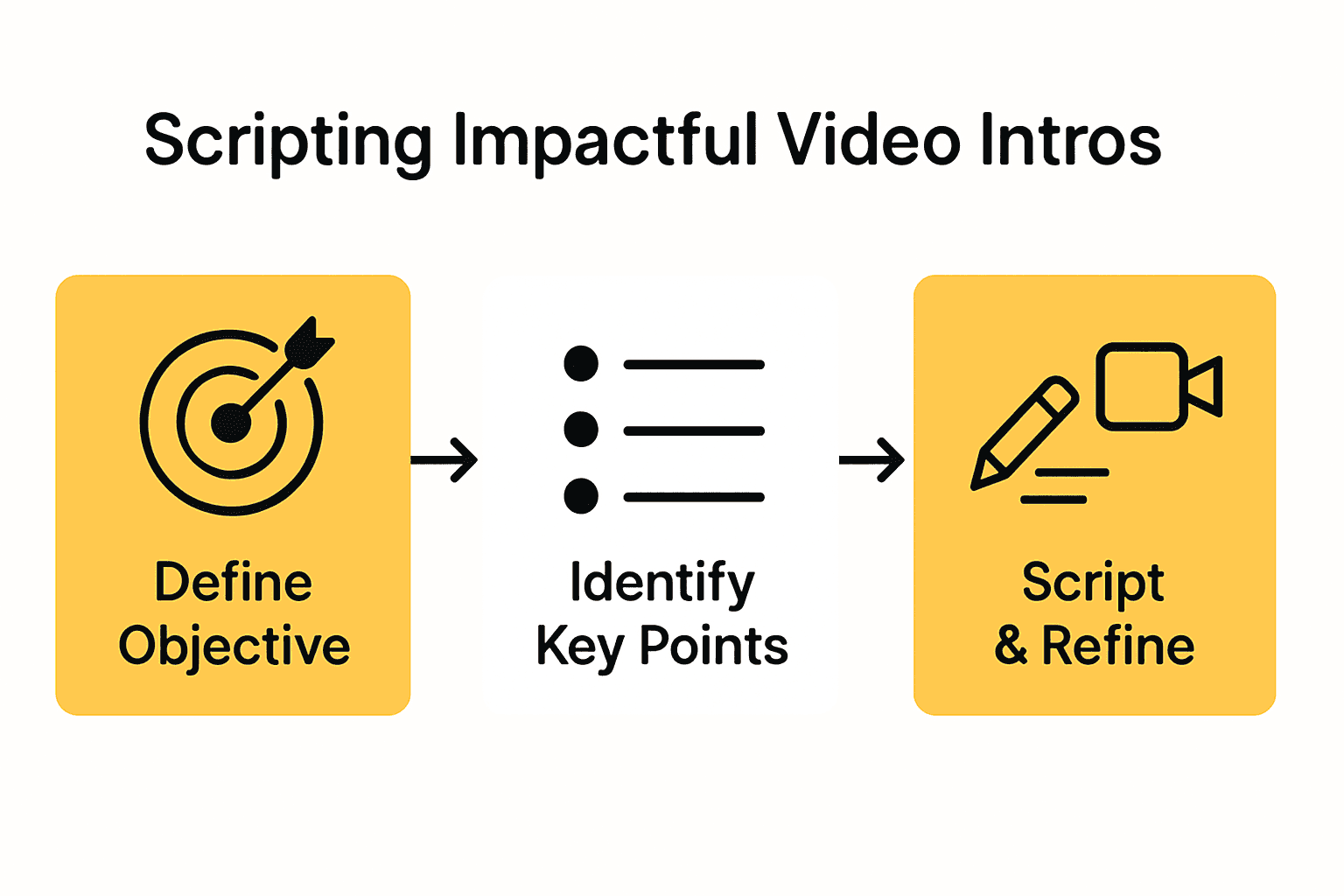
By defining a sharp, well-targeted objective, you transform your video intro from a mere formality into a powerful engagement tool. Ohio State University reinforces this approach, suggesting that an effective introduction should excite and orient viewers toward the core content.
Ready to move forward? The next step will help you translate this objective into a compelling script that captures your audience's attention from the very first moment.
Step 2: Identify Key Points to Highlight
After defining your video intro objective, the next crucial step is identifying the specific key points you want to highlight. This process transforms your broad objective into a focused roadmap that will guide your entire video script.
Study.com suggests that an effective introduction should include an attention getter, topic reveal, and a preview of main points. This means you want to select points that not only inform but also engage your audience immediately.
To identify your key points, start by brainstorming the most compelling and valuable information related to your topic. Ask yourself: What do my viewers absolutely need to know? What unique insights or perspectives can I offer? For example, if your video is about video scripting, your key points might include understanding audience connection, structuring content for maximum impact, and techniques for maintaining viewer engagement.
Teacherbot recommends focusing on elements like definitions, visual aids, examples, and statistics that can make your content more memorable and digestible. Consider incorporating concrete data or storytelling elements that transform abstract concepts into relatable insights.
A strategic tip is to limit your key points to three to five main ideas.
Too many points can overwhelm viewers and dilute your message. Each point should build upon the previous one, creating a logical flow that keeps your audience interested and helps them understand your core message.
Ready to bring these key points to life? The next step will help you craft a compelling narrative that weaves these elements into a memorable and impactful video introduction.
Step 3: Draft a Concise and Engaging Script
With your key points identified, the next critical stage is transforming those ideas into a compelling video script that captures and maintains viewer attention. A well-crafted script is the backbone of an impactful video introduction.
GrowthRocks emphasizes the importance of creating a captivating introduction that effectively conveys main points within a concise timeframe. This means your script should be tight, focused, and designed to hook viewers from the first few seconds.
Start by writing an opening that immediately grabs attention. Think of this as your verbal hook. Ask a provocative question, share a surprising statistic, or present a relatable challenge that your viewers face. For example, instead of saying "Today we will discuss video scripting," you might open with "Ever wondered why some videos go viral while others get scrolled past?"
Teleprompter.com highlights the crucial role of clear voiceover delivery and cohesive design in maintaining audience engagement. This means your script should flow naturally, using conversational language that sounds authentic and connects with your audience. Read your script out loud as you draft it to ensure it sounds conversational and not overly rehearsed.
A strategic tip is to aim for brevity. For most video introductions, you want to keep your script between 30 to 90 seconds. This means every word must count. Cut unnecessary fluff, focus on your core message, and use powerful, precise language that communicates your point quickly and memorably.
Ready to refine your script? The next step will help you polish your draft and prepare for a compelling video introduction that truly resonates with your audience.
Step 4: Refine Tone and Visual Elements
After drafting your script, the next crucial phase is refining the tone and visual elements that will transform your words from mere text into a compelling video experience. This step bridges the gap between what you want to say and how you want your audience to feel.
EdTech Books emphasizes the critical importance of maintaining clear audio, appropriate lighting, and engaging delivery to enhance video effectiveness. This means your tone and visual presentation are just as important as the words you choose. Think of your video introduction as a visual symphony where every element must harmonize perfectly.
Start by analyzing your script's tone. Are you aiming for professional authority, friendly guidance, or passionate storytelling? Your vocal delivery should match this tone precisely. If you're creating a technical tutorial, your tone might be crisp and direct. For a creative workshop, you might adopt a more conversational and inspiring approach. Practice reading your script aloud, paying attention to your pace, emphasis, and emotional resonance.
Visual elements require equally thoughtful consideration. Choose a background that complements your message without distracting from it. If you're discussing professional skills, a clean, minimalist setting might work best. For more creative content, a more dynamic or personalized background could enhance engagement. Consider lighting that flatters your appearance and creates a sense of warmth and authenticity.
A strategic tip is to record a quick test version of your introduction. Watch it with the sound off to assess visual flow, and then listen with your eyes closed to evaluate audio quality. This dual approach helps you identify areas where tone and visuals might need refinement. Look for moments that feel forced or unnatural and be prepared to make subtle adjustments.
Ready to bring your video introduction to life? The next step will help you practice and perfect your delivery, ensuring your script resonates exactly as you intended.
Step 5: Test and Adjust Your Video Intro
Now that you have crafted your video introduction, the critical phase of testing and refinement begins. This step transforms your raw script into a polished, professional video that captures and sustains viewer attention.
Oklahoma State University recommends focusing on clear introductions and effective use of visual aids to enhance presentation quality. This means your initial recording is just the starting point. Approach your first draft with a critical yet constructive mindset, ready to make strategic improvements.
Begin by recording multiple versions of your introduction. Subtle variations in tone, pacing, and delivery can dramatically impact viewer engagement. Try emphasizing different words, adjusting your energy level, or slightly modifying your script to find the most natural and compelling version. Pay close attention to your facial expressions, body language, and the overall feeling your introduction conveys.
ABC-CLIO suggests using a systematic approach to video analysis. Create a feedback loop by recording yourself, then watching the video as if you were a viewer seeing it for the first time. Look for moments that feel forced, unclear, or less engaging. Ask yourself: Would this capture my attention if I were in my target audience?

A strategic tip is to seek external feedback. Share your draft with colleagues, friends, or a small focus group who represent your target audience. Their unbiased perspectives can reveal insights you might have missed. Look for common reactions understanding, confusion, or areas where viewers seem to lose interest.
Ready to perfect your video introduction? Master an easy video scripting workflow by embracing an iterative approach that transforms good content into truly remarkable video introductions.
Master Your Video Intros with AI-Powered Precision
Struggling to script video intros that truly captivate your audience can feel overwhelming. The challenge of defining clear objectives, highlighting key points, and keeping your script concise and engaging often leads to endless revisions and lost time. This guide on "How to Script Video Intros for Impactful Videos" points out that focus and clarity are essential for turning casual viewers into dedicated followers. But how do you guarantee that every second of your intro counts without burning hours in the editing room?
Boom is the solution designed to put those frustrations behind you. With auto-scripting tools, you can instantly generate goal-based, concise scripts tailored to your message. Its voice-to-video feature lets you effortlessly transform raw ideas into polished, professional intros without complicated setups. Plus, the async-first design frees you from scheduling headaches ensuring you create and share stunning, branded videos on your own time. Imagine earning back hours daily by ditching endless meetings and manual edits while delivering clear, engaging intros every time.
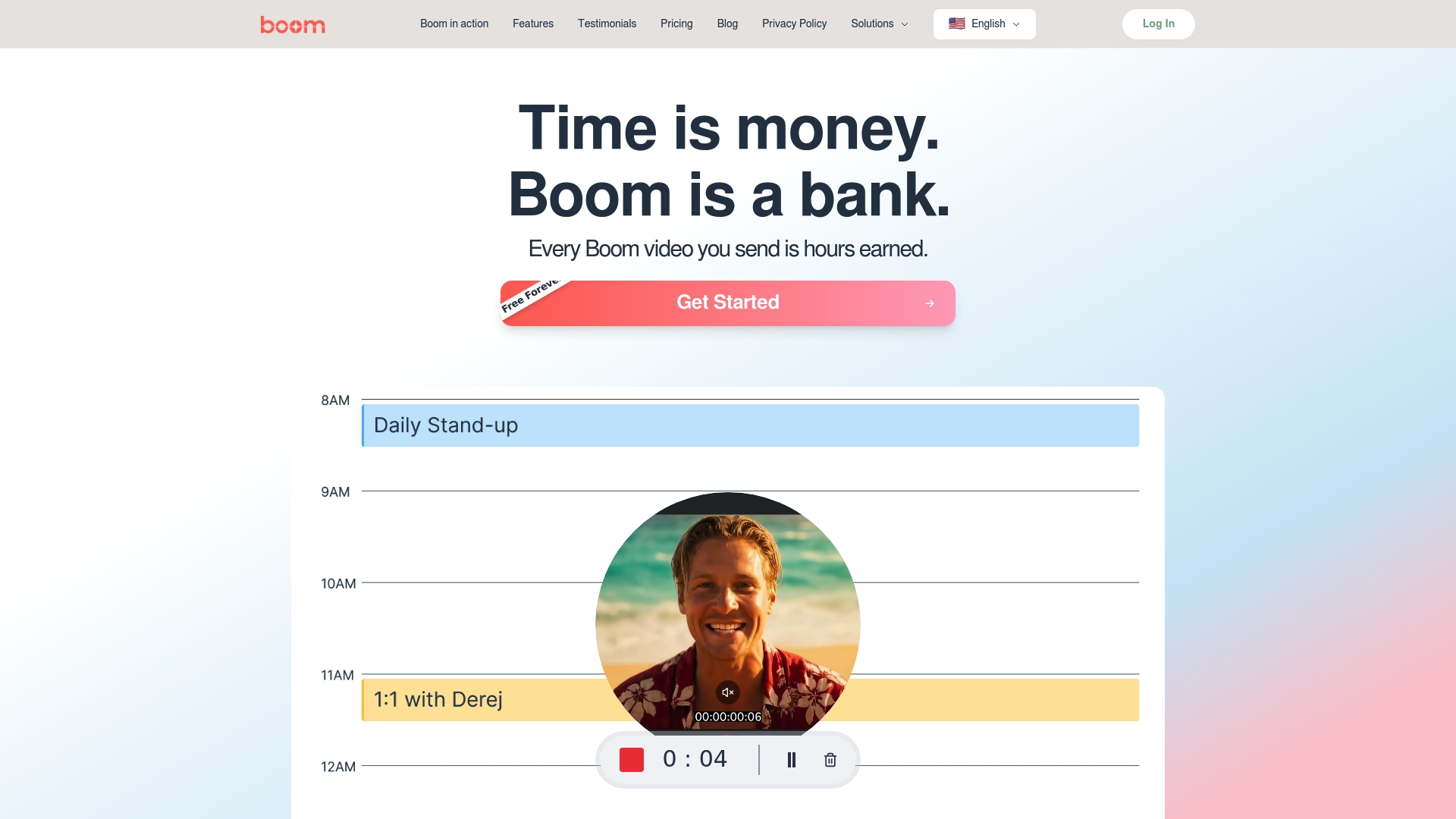
Don’t let scripting video intros hold you back. Take control of your content creation today with Boom and create impactful video intros faster and smarter. Visit boomshare.ai now to start your free forever journey and experience how every video you make is time earned.
Frequently Asked Questions
How can I define the objective of my video intro?
To define the objective of your video intro, ask yourself what core message you want to convey, who your target audience is, and what specific action you want them to take. Write down a clear, measurable objective, such as "explain three key video scripting techniques in under two minutes." This clarity will help guide your script development effectively.
What key points should I highlight in my video intro?
Identify three to five key points that are most compelling and relevant to your topic. Focus on what your viewers absolutely need to know and how you can uniquely position your insights, ensuring these points logically flow from one to another to maintain viewer interest.
How do I draft a concise and engaging video script?
Start your script with a strong opening that grabs attention, like a provocative question or surprising statistic. Keep your introduction between 30 to 90 seconds, cutting any fluff to ensure every word supports your core message, making use of clear and conversational language.
What tone should I use in my video introduction?
The tone of your video introduction should match your content type; for a technical tutorial, aim for a crisp and direct tone, while a creative workshop might lean towards a more inspiring and conversational style. Practice reading your script aloud to ensure your tone feels natural and engaging.
How can I test and adjust my video intro for better impact?
Record multiple versions of your video intro, experimenting with tone and pacing. After viewing your recordings, identify moments that could be clearer or more engaging, and seek feedback from peers to refine your approach based on their reactions and insights.
What common mistakes should I avoid when scripting video intros?
Avoid overly long introductions and vague messages that fail to hook your audience. Stick to a focused approach by clearly outlining your key points and maintaining a conversational tone, ensuring your introduction is engaging and relevant to viewers.
Recommended
About the Author
Devdeep
Senior Software Engineer.