
7 Best Recording Software Tools for Students and Creators
Discover 7 best recording software solutions with practical tips for students, freelancers, and creators to maximize productivity and creativity.
Aditya
Author
7 Best Recording Software Tools for Students and Creators
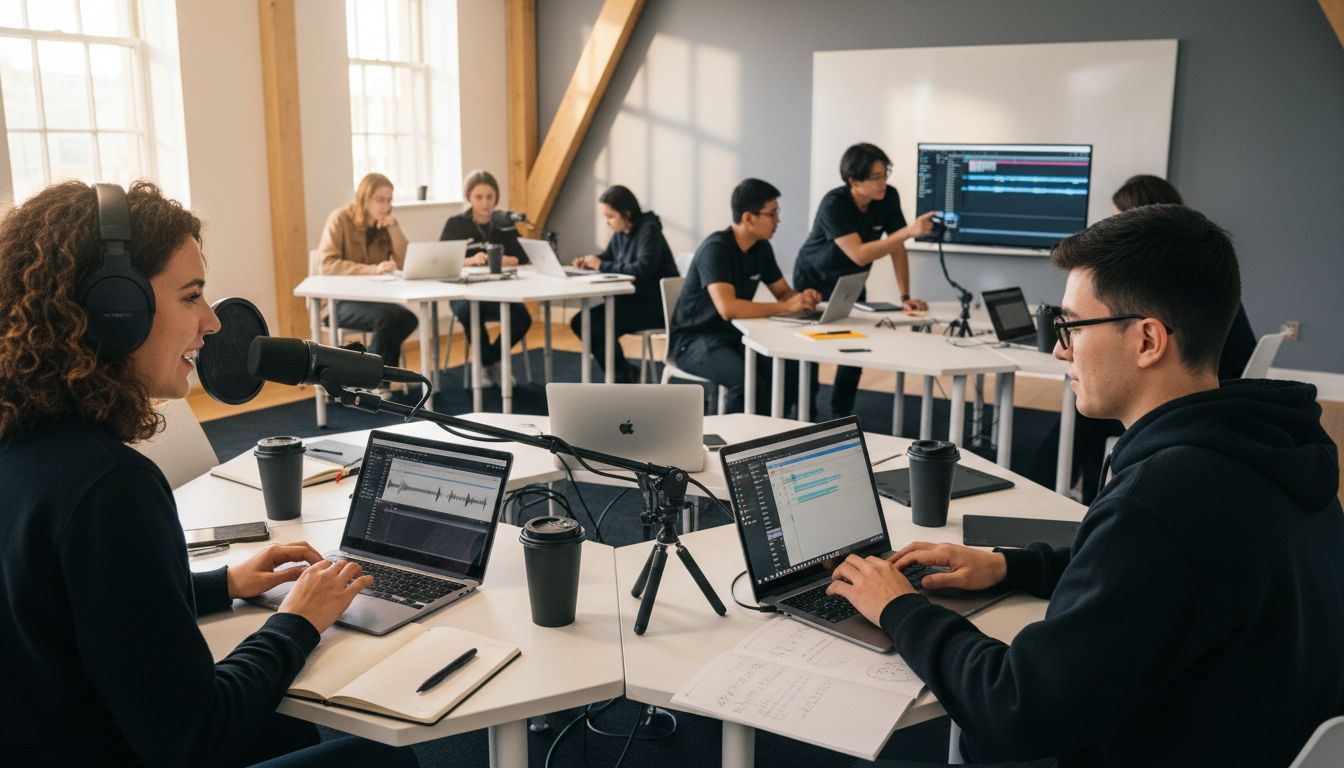
Over 60 percent of new creators say that choosing recording software is their biggest hurdle to getting started. The sea of options can feel confusing, especially when features and costs quickly add up. Whether you are a student, educator or ambitious content creator, finding a tool that fits your skills and goals makes all the difference. This guide helps you pinpoint user-friendly platforms that make recording, editing and sharing content easy right from day one.
Table of Contents
Quick Summary
| Takeaway | Explanation |
|---|---|
| 1. Choose beginner-friendly software. | Select software that offers easy setup, clear interfaces, and ample learning resources for a smooth start. |
| 2. Utilize AI features for efficiency. | Look for tools that provide automatic script generation, voice selection, and speech-to-text capabilities to enhance production quality. |
| 3. Prioritize multilingual capabilities. | Films and recordings can reach global audiences with software supporting multiple languages and accents, breaking communication barriers. |
| 4. Explore tools with free plans. | Opt for free recording tools that offer unlimited access and professional features without financial commitments, aiding budget-conscious creators. |
| 5. Enable collaborative editing and feedback. | Choose platforms that allow real-time commenting and editing for seamless teamwork, facilitating quick and clear communication among team members. |
1. Choose User-Friendly Recording Software for Easy Start
- Choose User-Friendly Recording Software for Easy Start
- Look for Built-In AI Scripting and Voiceover Features
- Prioritize Multilingual and Dubbing Capabilities
- Explore Async Video Tools for Remote Collaboration
- Use Templates and Instant Branding for Professional Output
- Opt for Tools with Free Plans and No Time Limits
- Leverage Commenting and Editing for Seamless Teamwork
Launching your recording journey starts with selecting software that welcomes beginners while offering room for growth. The right recording tool can transform your creative process from intimidating to inspiring.
Research highlights Scitepress shows that tools like Audacity provide an exceptional entry point for students and creators. Its intuitive interface and minimal hardware requirements make recording accessible for everyone from novices to professionals.
Key Considerations for Beginner-Friendly Recording Software:
- Minimal technical setup required
- Clear interface with straightforward controls
- Affordable or free access
- Supportive learning resources
When choosing your first recording software, prioritize platforms that offer gentle learning curves. Look for tools with visual tutorials, drag-and-drop functionality, and preset configurations that help you start creating without overwhelming technical barriers. Your goal is finding software that feels like a helpful companion rather than a complex challenge.
Remember that user-friendly doesn't mean limited. Many beginner-oriented recording tools provide powerful features that grow with your skills. Start simple, experiment freely, and watch your recording capabilities expand naturally.
2. Look for Built-In AI Scripting and Voiceover Features
In the evolving landscape of content creation, AI-powered recording tools are transforming how students and creators produce professional media. Imagine generating high-quality narrations and scripts without expensive equipment or voice acting skills.
According to Sound Off Tech, modern AI voice-over technology allows users to create professional narrations by simply typing a script and selecting a voice. This breakthrough eliminates traditional barriers to creating polished recordings.
Key AI Features to Seek in Recording Software:
- Automatic script generation
- AI powered voice selection
- Speech to text conversion
- Natural language processing
The magic happens when AI can transform your raw thoughts into coherent scripts and convert those scripts into professional voiceovers. Software like Whisper Memos demonstrates how advanced algorithms can turn voice memos into accurate transcripts, giving creators unprecedented flexibility.
When exploring recording tools, prioritize platforms with robust AI scripting capabilities. These features not only save time but also help you maintain a consistent and professional tone across your projects. Your creativity becomes the primary focus while AI handles the technical heavy lifting.
3. Prioritize Multilingual and Dubbing Capabilities
In our increasingly connected world, content creators need tools that break language barriers and speak to global audiences. Modern recording software with multilingual features can transform your reach and impact.
Sound Off Tech reveals that cutting edge AI voice generator platforms now support an impressive 140 languages and accents. This technological breakthrough means you can create content that resonates across cultural and linguistic boundaries.
Benefits of Multilingual Recording Software:
- Instant language translation
- Professional accent selection
- Global audience expansion
- Enhanced content accessibility
When selecting recording tools, look for platforms that offer seamless speech to text functions in multiple languages. According to University of Oregon Blogs, these AI software solutions not only facilitate content creation but also dramatically enhance accessibility for diverse audiences.
Think of multilingual capabilities as your passport to global communication. Whether you are a student creating educational content or a creator looking to reach international viewers, these advanced features can help you communicate more effectively and authentically across different cultural contexts.
4. Explore Async Video Tools for Remote Collaboration
Remote collaboration has transformed how students and creators work together across different time zones and physical spaces. Asynchronous video tools are the superheroes of modern communication cutting through scheduling challenges and geographical limitations.
Common Sense Education highlights tools like Screencastify and Loom as powerful platforms enabling seamless video creation and sharing for remote teams and educational settings.
Core Benefits of Async Video Collaboration:
- Eliminate scheduling conflicts
- Enable global team communication
- Support flexible work environments
- Enhance project documentation
Research from Newcastle University recommends platforms like ReCap Personal Capture and OBS for creating robust video content that supports asynchronous learning and collaboration.
When selecting async video tools, prioritize platforms that offer easy recording, simple sharing mechanisms and clear communication features. These tools are not just technology they are bridges connecting people across different schedules and locations. Your ability to communicate effectively without requiring simultaneous presence can dramatically improve team productivity and learning outcomes.
5. Use Templates and Instant Branding for Professional Output
Professional content creation is no longer about complex editing skills but about smart tools that elevate your visual storytelling. Instant branding templates transform amateur recordings into polished media that capture attention and convey credibility.
Newcastle University highlights sophisticated tools like Camtasia that enable users to add text overlays and seamlessly switch between presenter and screen views creating a more dynamic presentation experience.
Key Branding Template Features:
- One click visual customization
- Consistent brand color schemes
- Professional graphic overlays
- Instant logo integration
According to Common Sense Education, modern recording software offers drag-and-drop editing capabilities that make professional styling accessible to everyone. These tools democratize high quality content production allowing creators to focus on their message rather than technical complexity.
When selecting recording software look for platforms that offer intuitive template systems. Your goal is to create videos that look like they were produced by a professional team without spending hours on intricate editing. The right tool can transform your raw content into a polished visual narrative that engages and impresses your audience.
6. Opt for Tools with Free Plans and No Time Limits
Budget conscious creators understand that powerful recording software should not require emptying your wallet. Free tools with unlimited recording capabilities can be game changers for students and emerging content professionals.
Scitepress highlights Audacity as a standout free software solution enabling users to record, edit, and analyze audio materials without imposing time restrictions. This approach democratizes high quality content creation.
Advantages of Free Recording Tools:
- Zero financial investment
- Unlimited recording time
- Professional editing features
- Accessible for beginners
Common Sense Education recommends platforms like Screencast-O-Matic and Vmaker which offer robust free versions suitable for educational purposes. These tools prove that quality does not always require a premium price tag.
When exploring free recording software, prioritize platforms that offer comprehensive features without hidden limitations. Your goal is finding a tool that grows with your skills without forcing you into expensive subscriptions. Remember that the best recording software empowers your creativity first and foremost.
7. Leverage Commenting and Editing for Seamless Teamwork
Successful team projects thrive on clear communication and collaborative tools that make feedback instantaneous and meaningful. Modern recording software transforms how teams interact by providing real time editing and commenting capabilities.
Common Sense Education highlights tools like Loom which offer flexible sharing features and intuitive interfaces that facilitate seamless teamwork through direct video commenting.
Key Collaborative Features to Seek:
- Inline video commenting
- Frame accurate feedback
- Shared editing permissions
- Version control tracking
Newcastle University recommends platforms like OBS that can capture multiple video sources and merge them into single cohesive recordings supporting complex collaborative workflows.
When evaluating recording software prioritize platforms that enable team members to provide context rich feedback directly on video content. The goal is creating an environment where collaboration feels natural and instantaneous rather than a forced administrative task. Your team's creativity should flow without technical barriers.
Below is a comprehensive table summarizing the key considerations, features, and benefits of various recording software tools discussed throughout the article.
| **Topic** | **Features & Key Points** | **Benefits** |
|---|---|---|
| User-Friendly Software | Minimal technical setup, clear interface, affordable/free access | Accessible for beginners and professionals, enables growth |
| AI Scripting & Voiceover | Automatic script generation, AI voice selection | Professional narrations, saves time, consistent tone |
| Multilingual Capabilities | Supports 140 languages, instant translation | Expands global reach, enhances accessibility |
| Async Video Tools | Eliminates scheduling conflicts, flexible sharing | Enhances remote collaboration, improves productivity |
| Templates & Branding | Visual customization, branding overlays | Professional appearance, easy editing |
| Free Tools with No Limits | No financial cost, unlimited recording | Democratizes content creation, high-quality output |
| Collaborative Features | Real-time editing, video commenting | Seamless teamwork, natural collaboration |
Revolutionize Your Recording Experience With Boom
The article highlights common challenges creators and students face when choosing recording software such as complex setups, limited features, scheduling headaches, and language barriers. Many struggle with technical hurdles, time-consuming editing, and coordinating teams across time zones. If you want to ditch complicated tools and get more done with less hassle, Boom offers a complete AI-powered async video solution designed to save you hours at every step.
Boom combines built-in AI scripting, voiceover, multilingual dubbing, and instant branding templates — all in one free platform that requires no scheduling or meetings. Imagine recording your ideas, receiving polished videos with professional narration, and collaborating with team comments without ever needing to sync calendars. This modern approach removes barriers like language limits, editing stress, and the dreaded meeting overload.
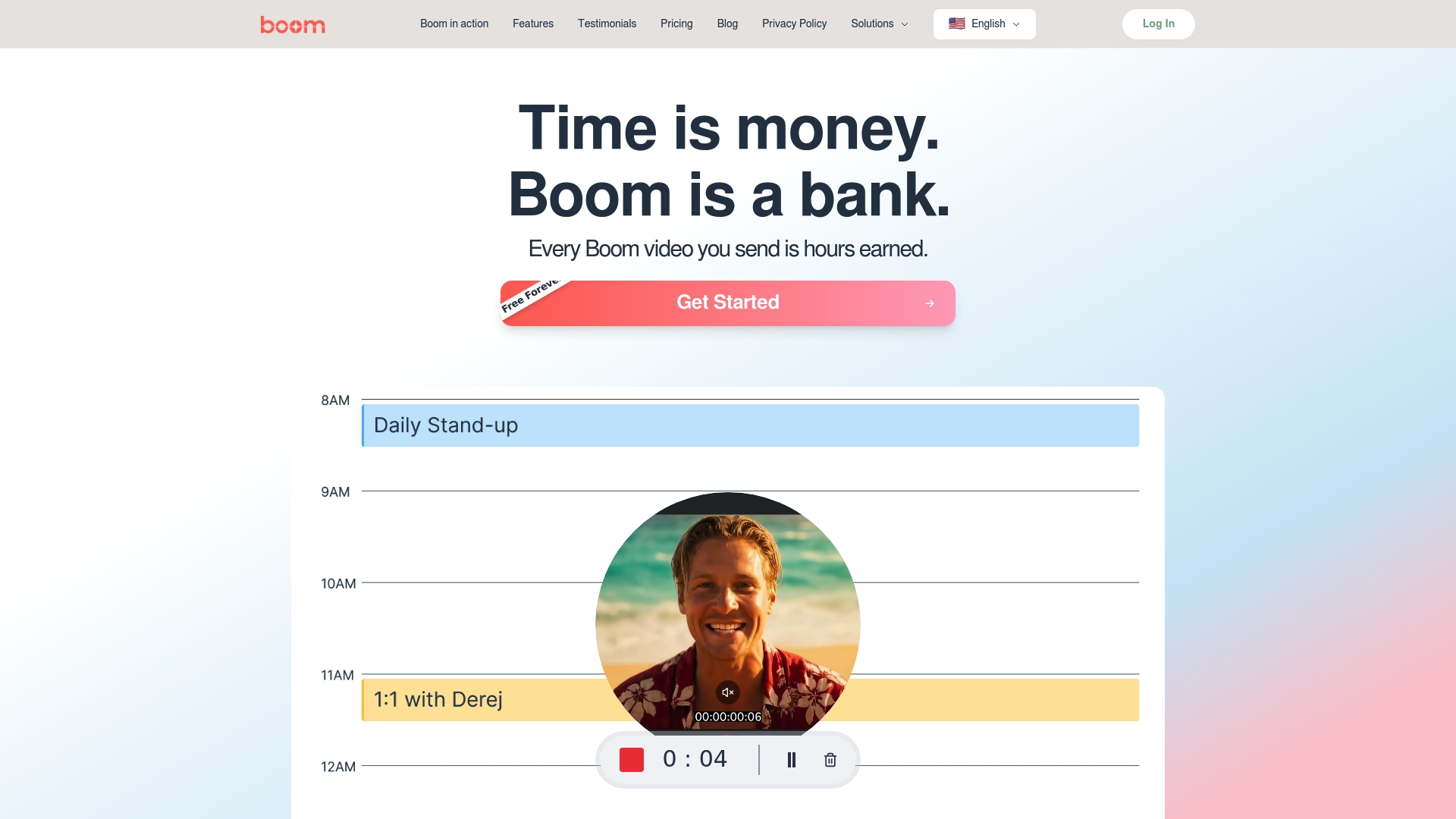
Ready to transform your content creation and remote teamwork? Discover how Boom can save you time and enhance your recordings effortlessly at Boom Landing Page. Embrace the future of async video recording and start earning your time back today with Boom.
Frequently Asked Questions
What should I look for in user-friendly recording software for students and creators?
To find user-friendly recording software, prioritize tools with a clear interface, easy setup, and supportive learning resources. Start by trying out software that offers visual tutorials and simple controls to boost your confidence as you begin recording.
How can AI features in recording software help enhance my projects?
AI features like automatic script generation and voice selection can save you time and improve the quality of your recordings. Look for software that includes these capabilities to streamline your creative process and maintain a professional tone across your projects.
Why is multilingual support important in recording software for creators?
Multilingual support allows creators to reach a wider audience by breaking language barriers. Choose software that offers instant translation and voice options in multiple languages to enhance your content's accessibility and global appeal.
What are the benefits of using asynchronous video tools for remote collaboration?
Asynchronous video tools eliminate the need for simultaneous participation, enabling effective communication across different time zones. Utilize these tools to share video content and receive feedback without scheduling conflicts, enhancing collaboration flexibility.
How can I create professional-looking output without advanced editing skills?
Using templates and instant branding features in recording software can help you produce polished content without extensive editing knowledge. Opt for tools that allow one-click customization to maintain consistent branding and style throughout your media pieces.
What features should I consider when choosing free recording software?
When selecting free recording software, look for tools that provide unlimited recording time and comprehensive editing features without hidden limitations. Focus on platforms that grow with your skills and offer essential functionalities to support your creative journey.
Recommended
About the Author
Aditya
Software Engineer.